Media library for photographers
Every image,ready where you need it.
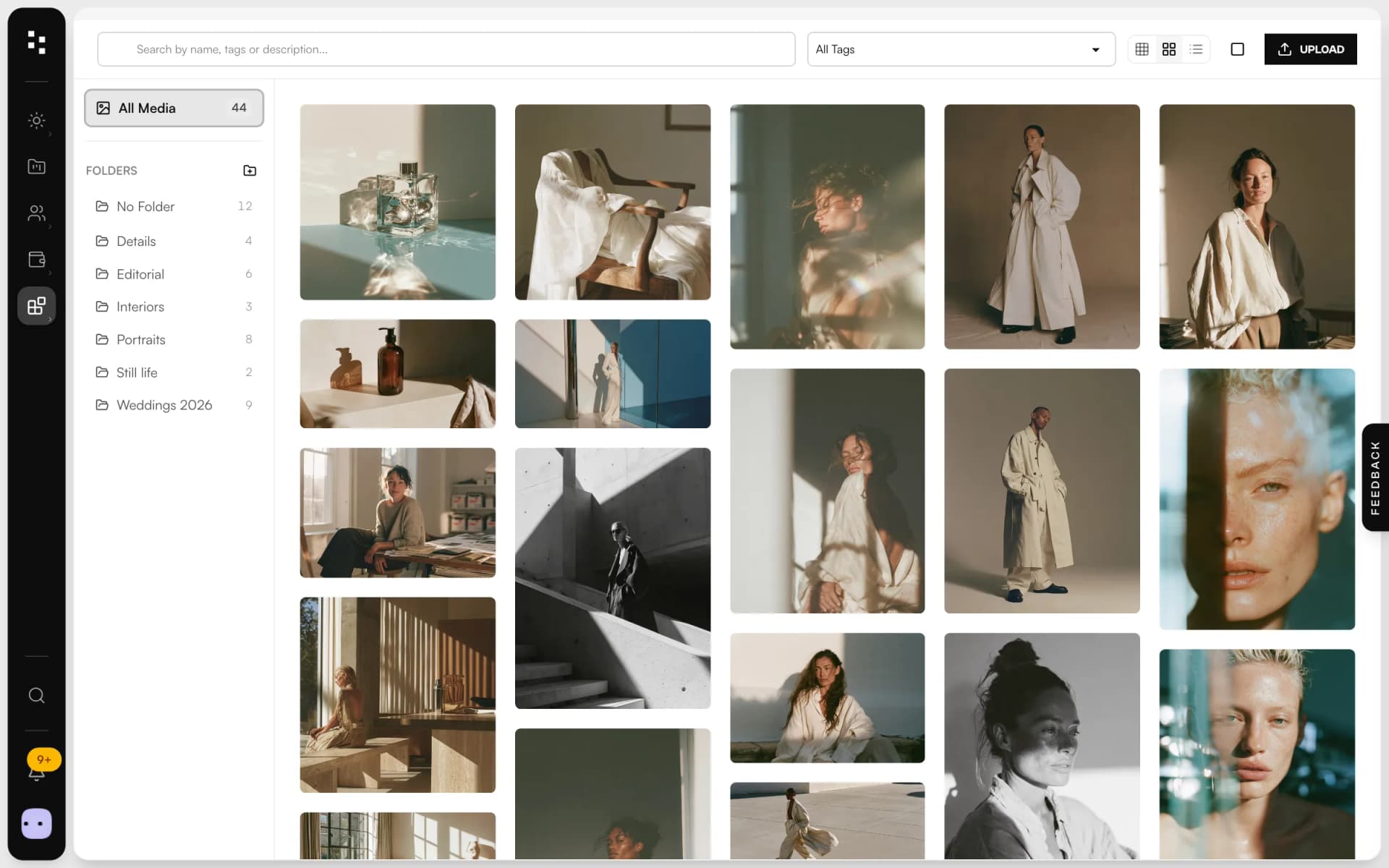
Drop a whole batch of photos and keep working while they upload. Sort them into folders and tags, describe them once, and pick them again from your website, your portfolio and your moodboards.
Free plan, no expiry · No credit card required
- Bulk upload
- Drag and drop
- Upload queue
- Folders
- Tags
- Search
- Alt text
- Focal point
- AVIF and WebP
- Masonry view
What is the Mosaii.co media library?
The Mosaii.co media library is where every image and document you upload lives. You drop in a batch of photos: they're compressed in your browser, sent in a queue you can follow, and turned into AVIF and WebP versions for your website. You sort them into folders and tags, add alt text and a focal point, and pick them from your site, your portfolio and your moodboards.
- Who it's for
- Photographers who want one place for the images of their site, portfolio and client work
- Formats
- JPEG, PNG, WebP, GIF and SVG images, plus PDF, Word, Excel and PowerPoint documents
- Organisation
- Folders, tags, search and three views: grid, masonry and list
- Where it's used
- Website builder, portfolio, moodboards and file fields in the CRM
Upload once.Use it everywhere.
From your export folder to the published page, without hunting for files.
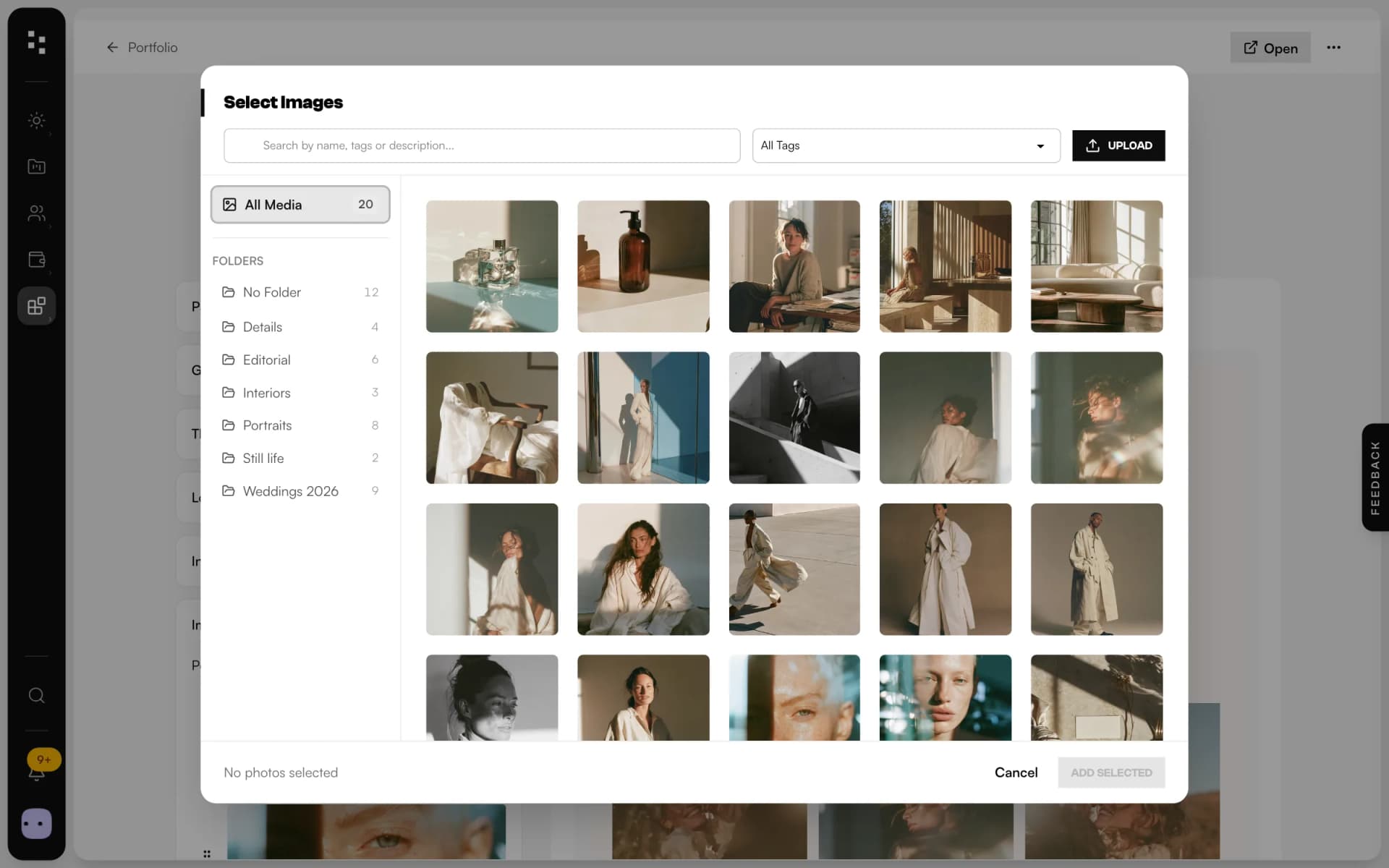
Uploadin bulk
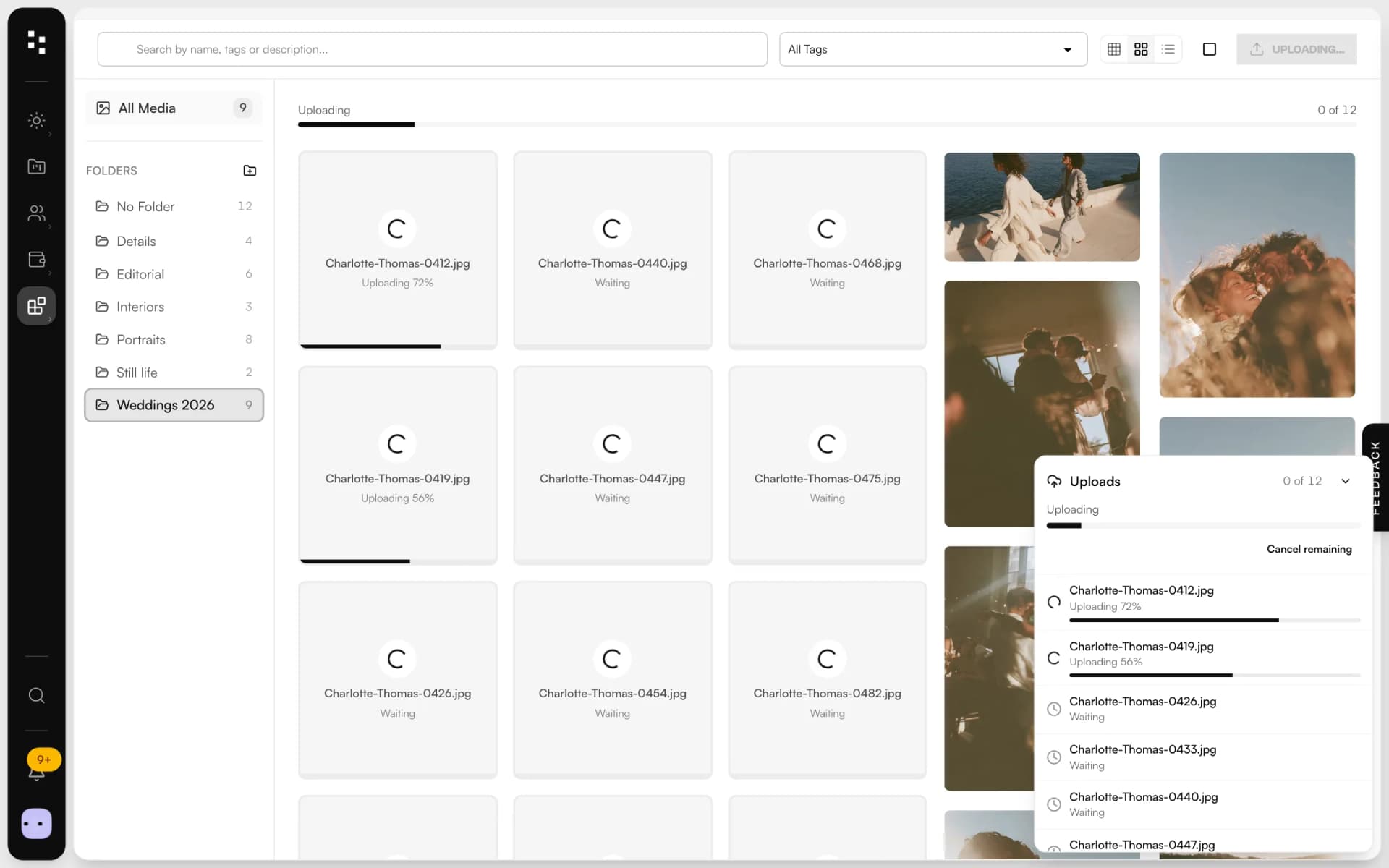
Drag a batch of photos onto the library. Each one is compressed in your browser and sent in a queue that shows its progress, retries by itself after a hiccup and lets you retry any file that fails.
Organisein folders
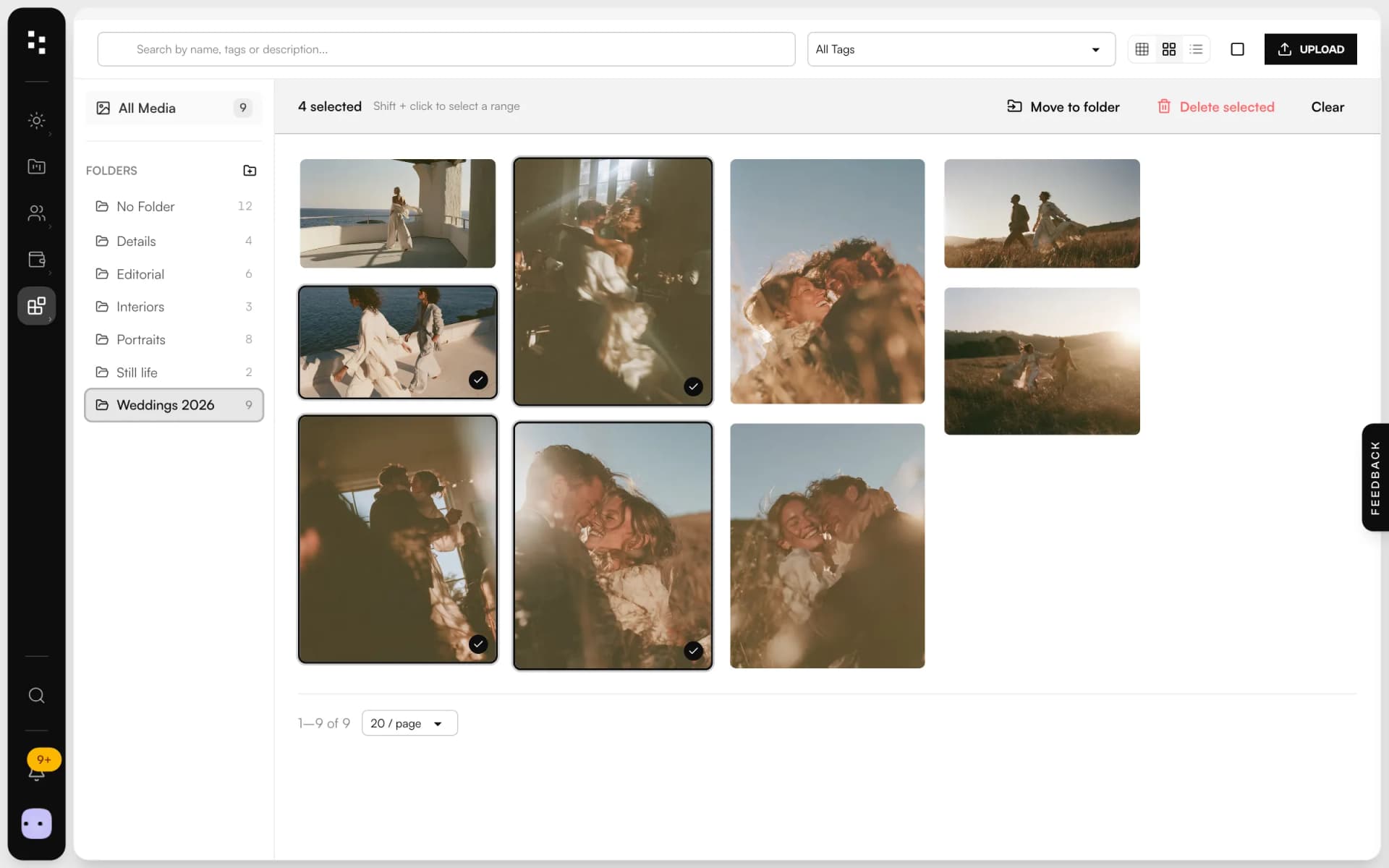
Drop files straight onto a folder, or select a range with Shift and move them all at once. Search by name, title or alt text, filter by tag, and switch between grid, masonry and list.
Describeonce
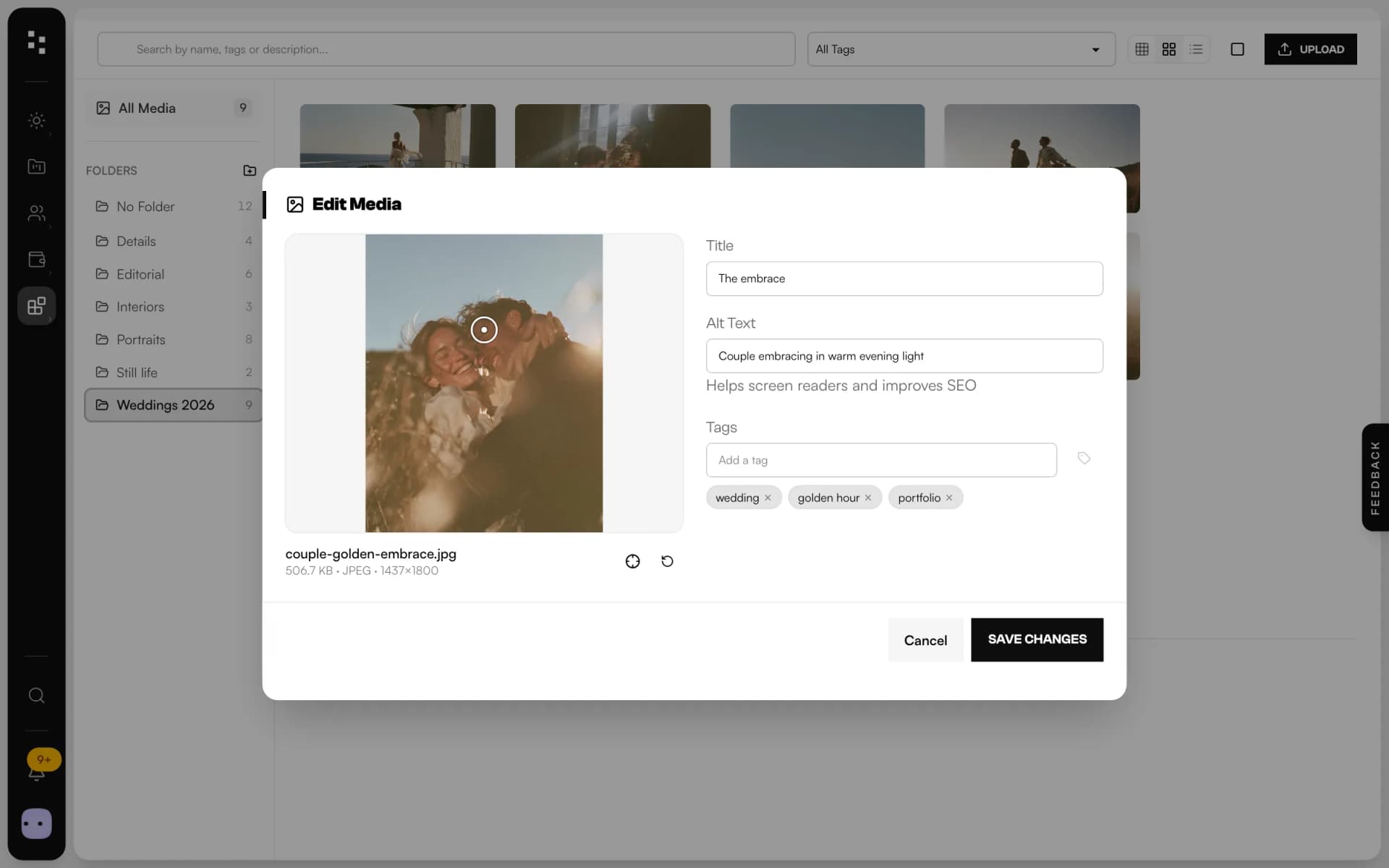
Give each image a title, alt text for screen readers and search engines, a few tags and a focal point, so crops on your site keep the subject in frame.
Use itacross the Suite
Open the same library from your portfolio, your moodboards and the file fields of clients and projects. On your website, images load as responsive AVIF and WebP with a blurred preview.
Less hunting for files.More time for the edit.
A queue you can follow
Two uploads at a time, real progress for every file, and a warning if you try to leave halfway.
Fast on your site
Every photo gets AVIF and WebP sizes from phone to 4K, plus a tiny blurred preview while it loads.
Focal point
Click the subject once: on your site, every crop keeps it in frame.
Alt text and tags
Describe images for screen readers and search engines, and find them again by tag.
Safe deletes
Before you delete an image used on your site, you see which pages use it.
Always up to date
Upload in one tab and the library updates in the others, live.
Not another app.The next piece of your studio.
The library is where everything starts: what you upload here shows up in the rest of the Suite.
- 01Media libraryGather your workYou are here
- 02WebsiteGet found
- 03PortfolioShare your best work
- 04FormsReceive the inquiry
- 05BookingMeet the client
- 06Quotes & contractsSign and get paid
- 07MoodboardAgree on the look
- 08TimelineRun the day
How it connects
Less admin.More photography.
Without Mosaii.co
- Photos scattered across drives, email and chat
- Heavy files that slow your website down
- No alt text, subjects cropped out
- Uploads that fail without saying which file
With Mosaii.co
- One library for site, portfolio and moodboards
- AVIF and WebP sizes made for you
- Alt text and a focal point on every image
- A queue that retries and shows every file
Questions about Media library
Which files can I upload?
Images in JPEG, PNG, WebP, GIF and SVG, and documents in PDF, Word, Excel and PowerPoint. HEIC photos from an iPhone need to be exported as JPEG first. Video and RAW files aren't supported.
How many photos can I upload at once?
A whole batch: the photos wait in a queue that sends two at a time and shows the progress of each one. Images can be up to 50 MB before compression and documents up to 25 MB.
Do my photos lose quality?
Images are compressed in your browser to high-quality WebP, up to 3240 pixels on the long side. Your website then gets AVIF and WebP versions in four sizes, so each visitor downloads only what their screen needs.
Is it the same library in the website builder and in the CRM?
Everything lives in one library. In the CRM you see all of it and pick from it in portfolios, moodboards and file fields. In the website builder, each site shows the images uploaded to that site.
Can I sort photos into albums?
Into folders, yes: create one, drop files on it and move several at once. Folders sit on a single level, and tags group images across folders.
How much space do I get, and what does it cost?
Storage depends on your plan, and you can follow your usage on your subscription page. Plans, storage and prices are on the pricing page.
Every piecefits the next.
- Website builderA portfolio site that turns visits into inquiries.Discover
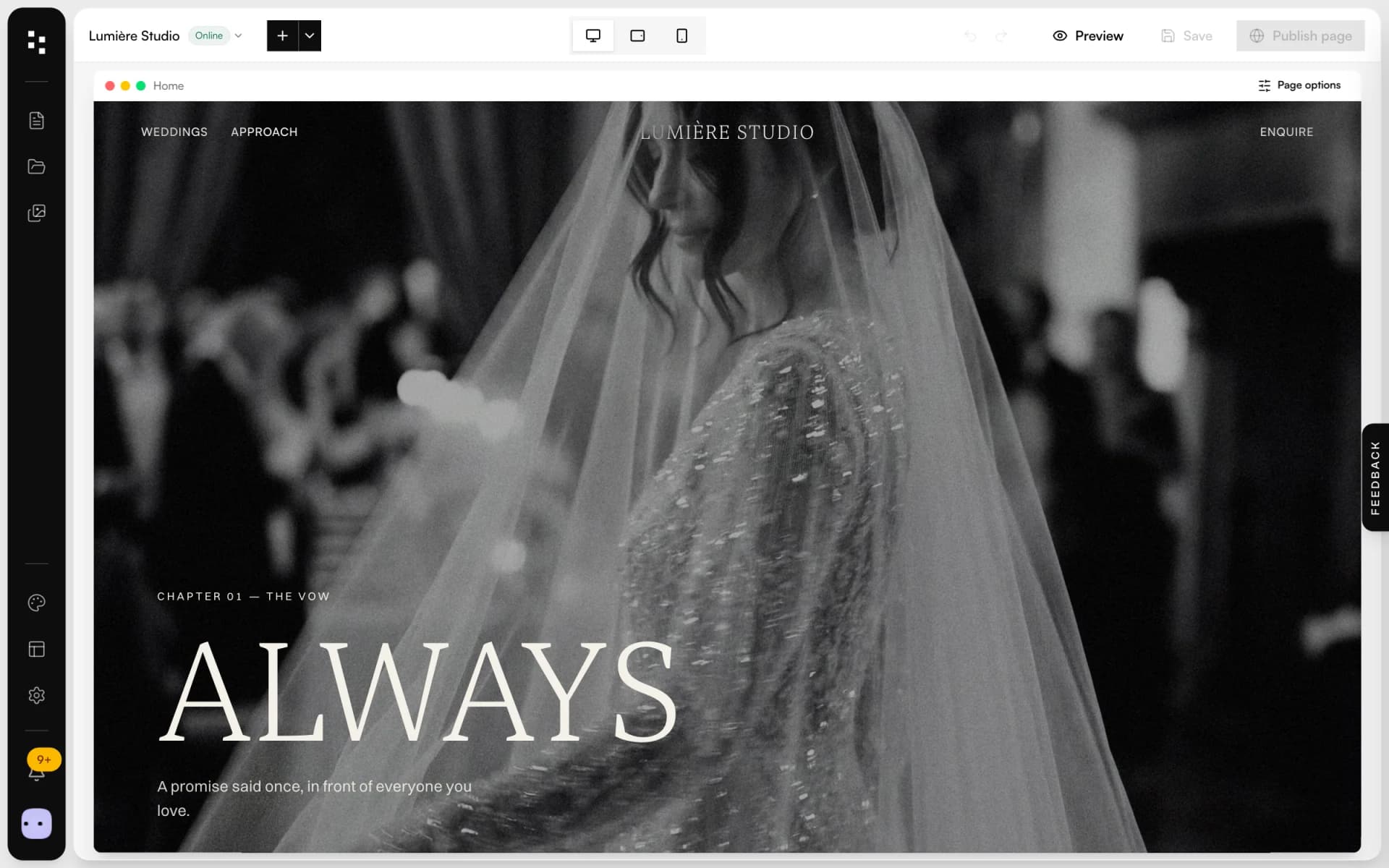
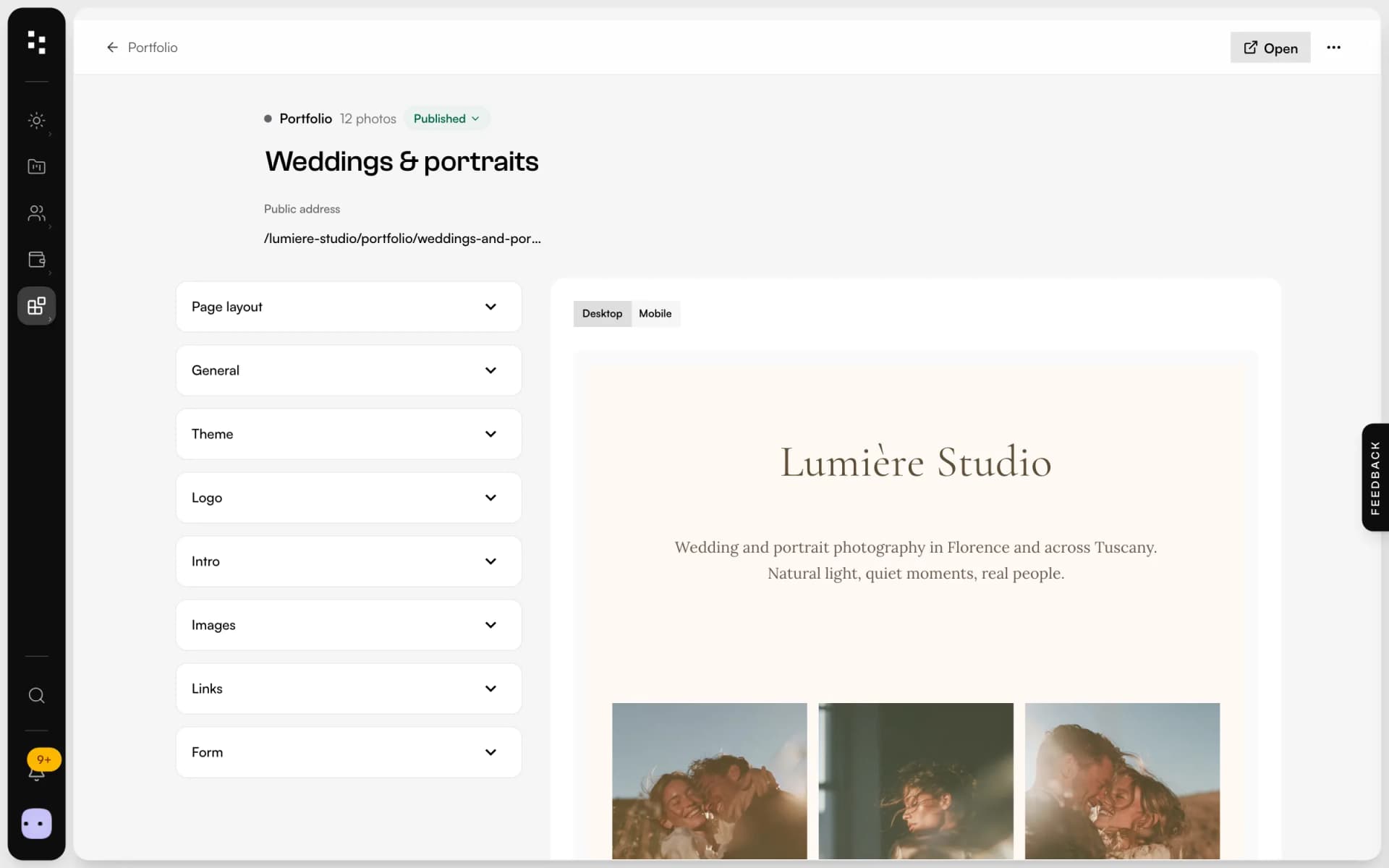
- PortfolioA page for your bio link: best photos, links and a contact form.Discover
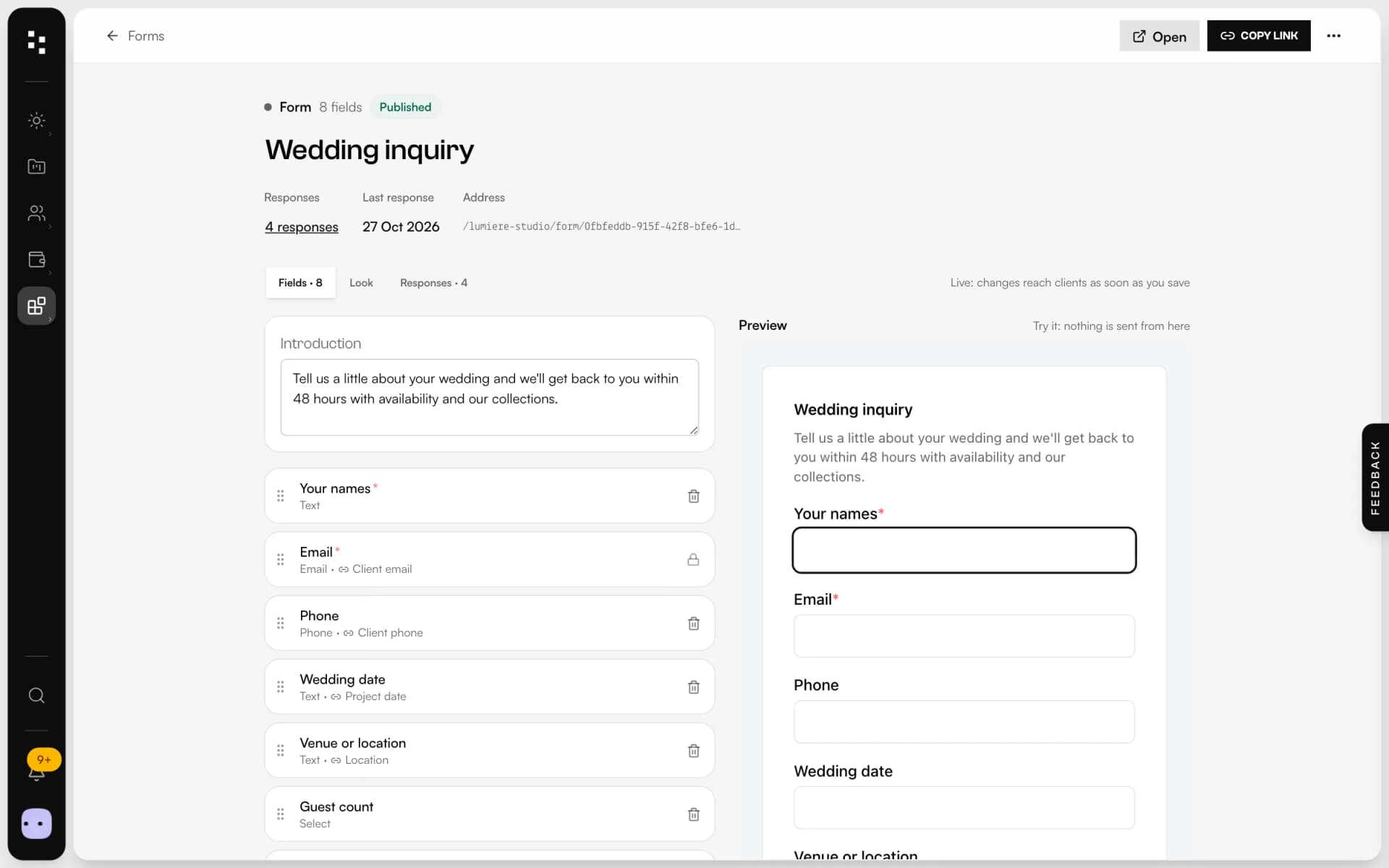
- Forms & questionnairesInquiries that become projects, answers that stay in them.Discover
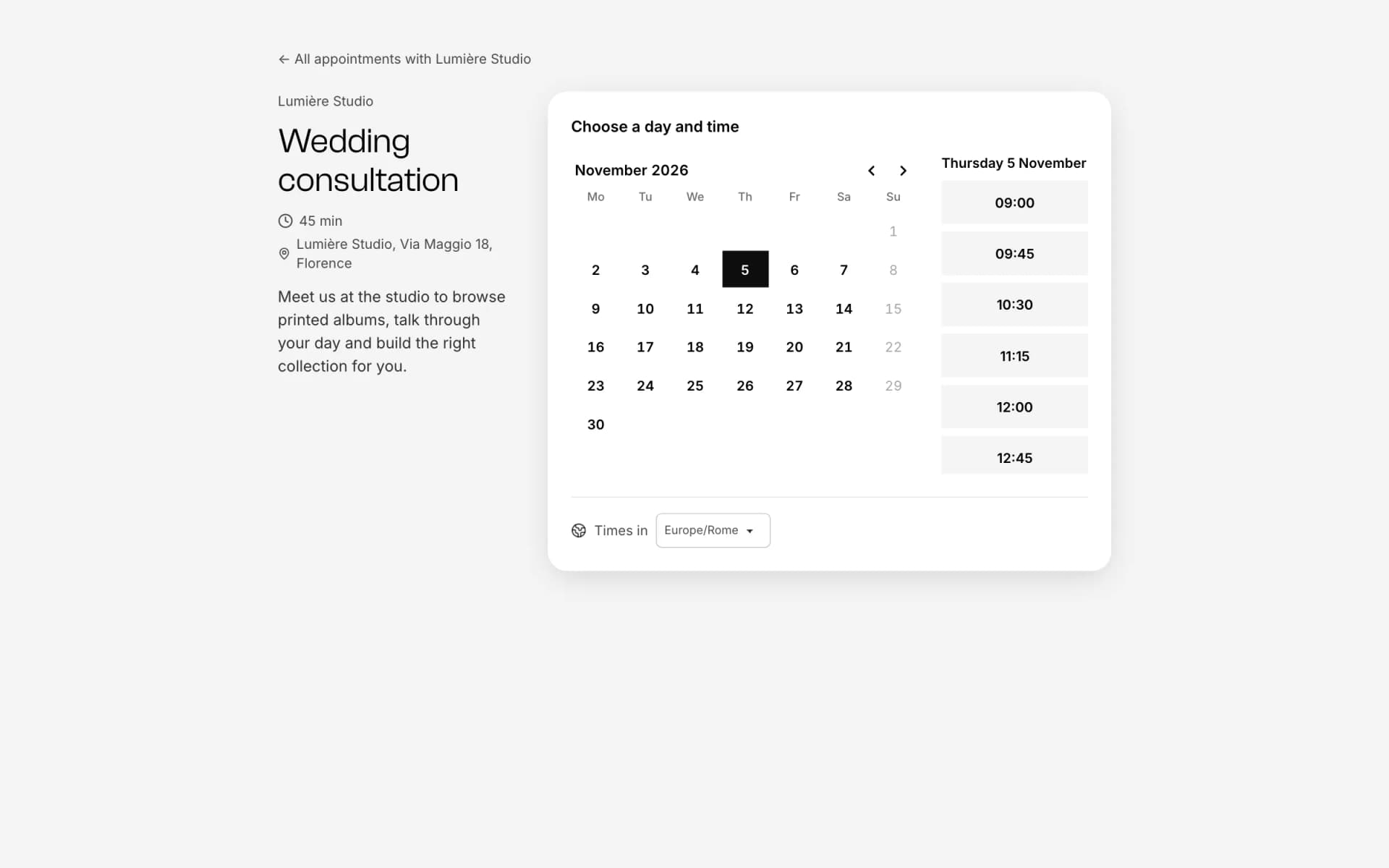
- Online bookingOne link, free slots, no back-and-forth emails.Discover
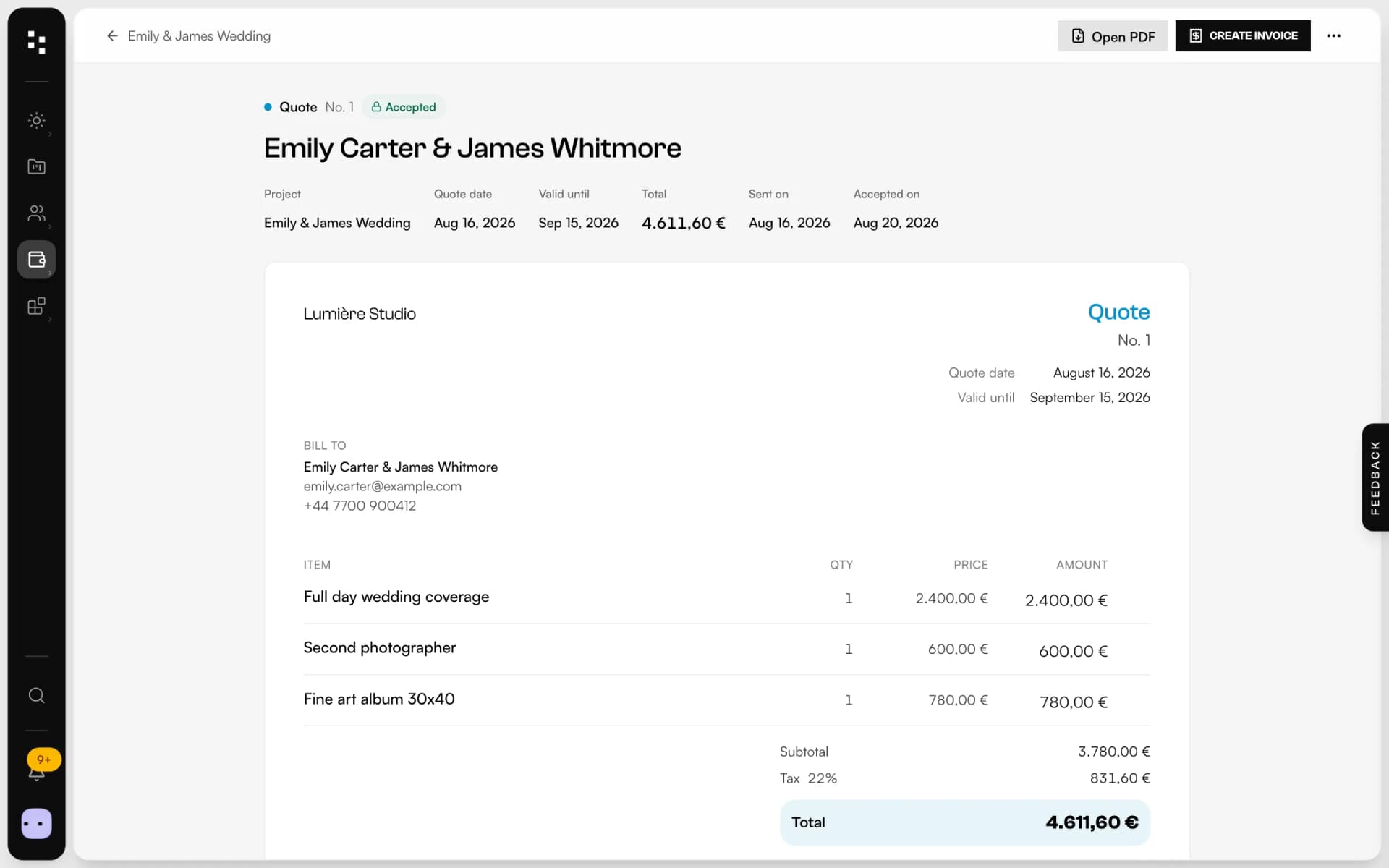
- Quotes, contracts & paymentsFrom the quote to the last payment, without retyping a line.Discover
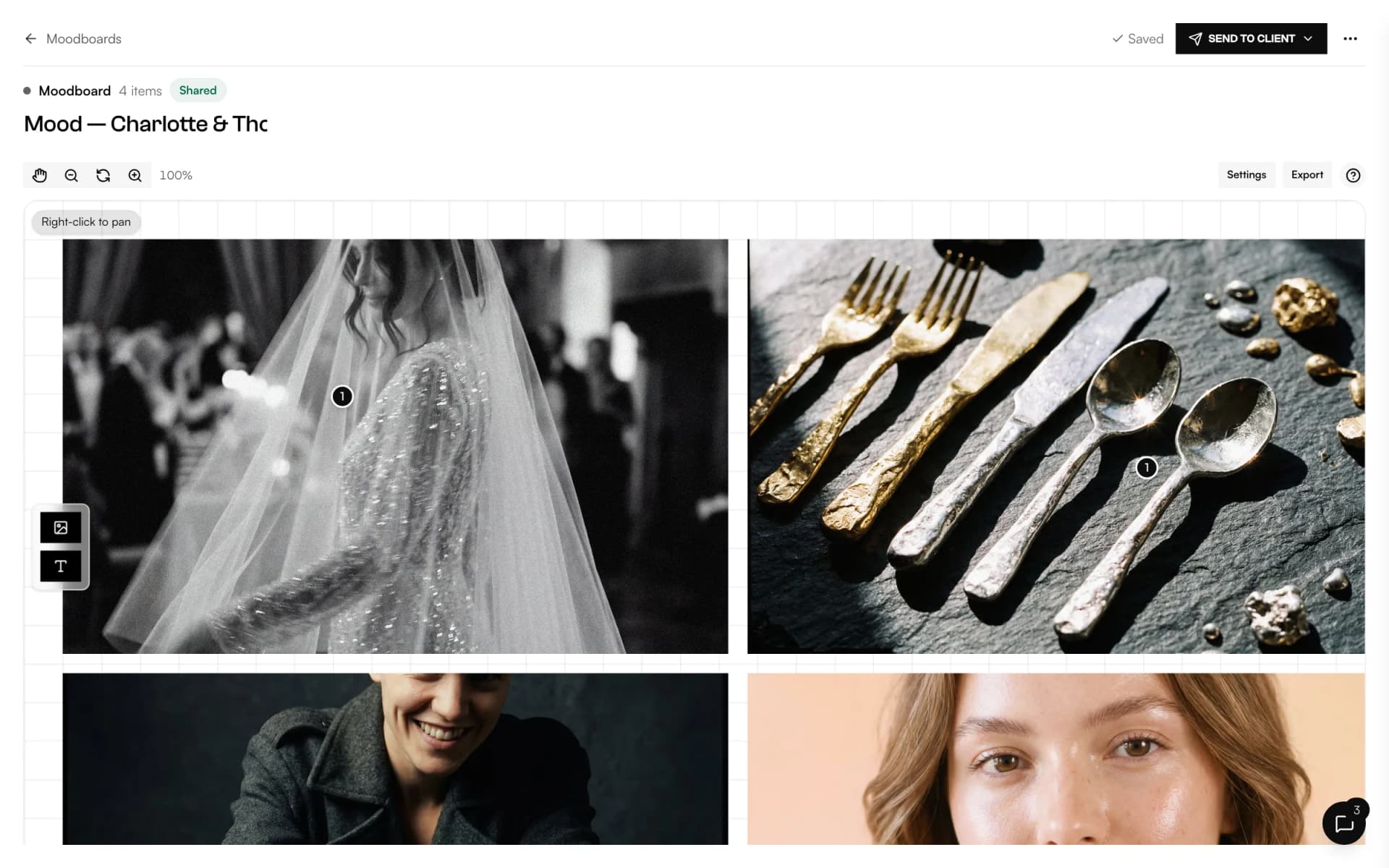
- MoodboardA shared canvas to agree on the look, with comments on every image.Discover
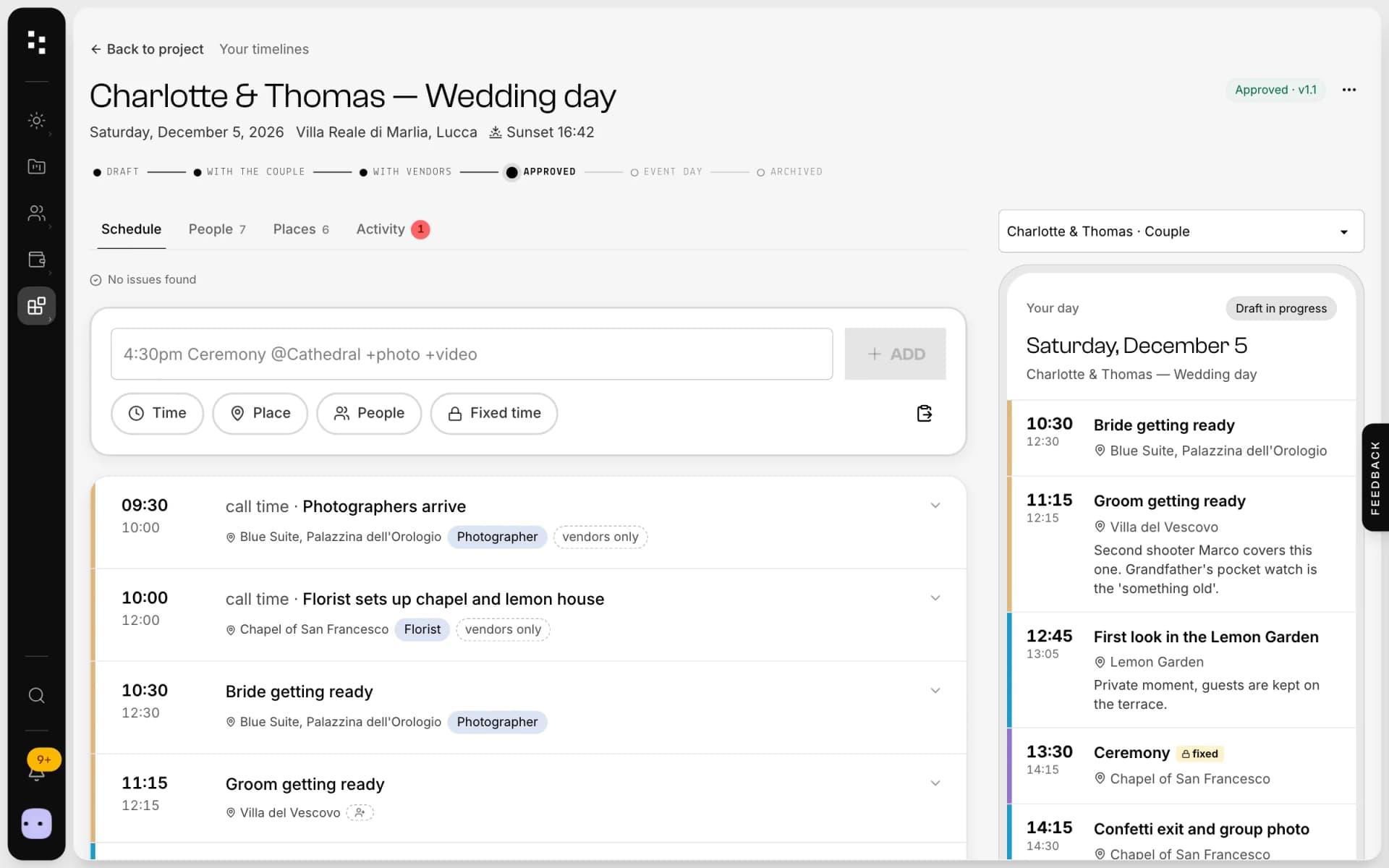
- Wedding timelineOne wedding-day schedule; the couple and every vendor read their part.Discover
Your whole studio, in one place.
Start free with the whole Suite: site, clients, documents and the big day. Plans and prices are on the pricing page.