Website builder for photographers
A website thatbrings work in.
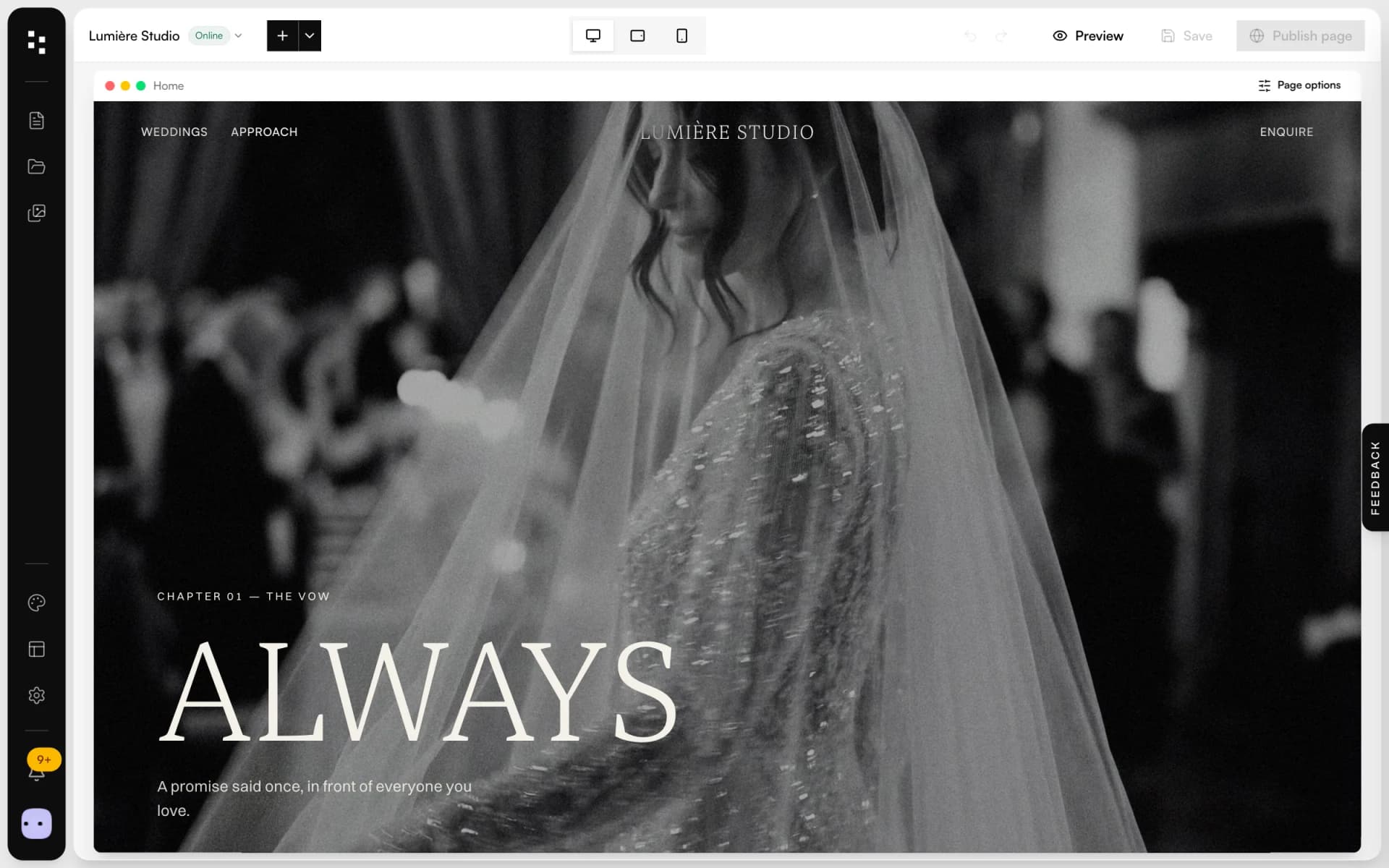
Pick a starting site, make it yours with drag and drop, publish. Every inquiry from your contact form becomes a client and a project in the CRM, ready for a quote.
Free plan, no expiry · No credit card required
- Drag and drop
- 60+ blocks
- Complete themes
- Galleries
- AI pages
- SEO
- Custom domain
- Phone layouts
- Media library
What is the Mosaii.co website builder?
The Mosaii.co website builder is a drag-and-drop editor for photographers' websites. You start from one of the ready-made sites, change palette and fonts, add blocks for galleries, projects and contacts, and publish on a Mosaii.co address or your own domain. It is part of the Mosaii.co Suite, so your site and your CRM share contacts, forms and bookings.
- Who it's for
- Wedding, portrait and commercial photographers, and other creative studios
- How you start
- From about 25 ready-made sites; palette, fonts and blocks are yours to change
- Where it connects
- Forms create clients and projects in the CRM; your booking page can live on your domain
- Languages
- Editor in English and Italian; your site in the language you write it in
From a blank pageto booked clients.
Four steps, no code. You edit the page exactly as your clients will see it.
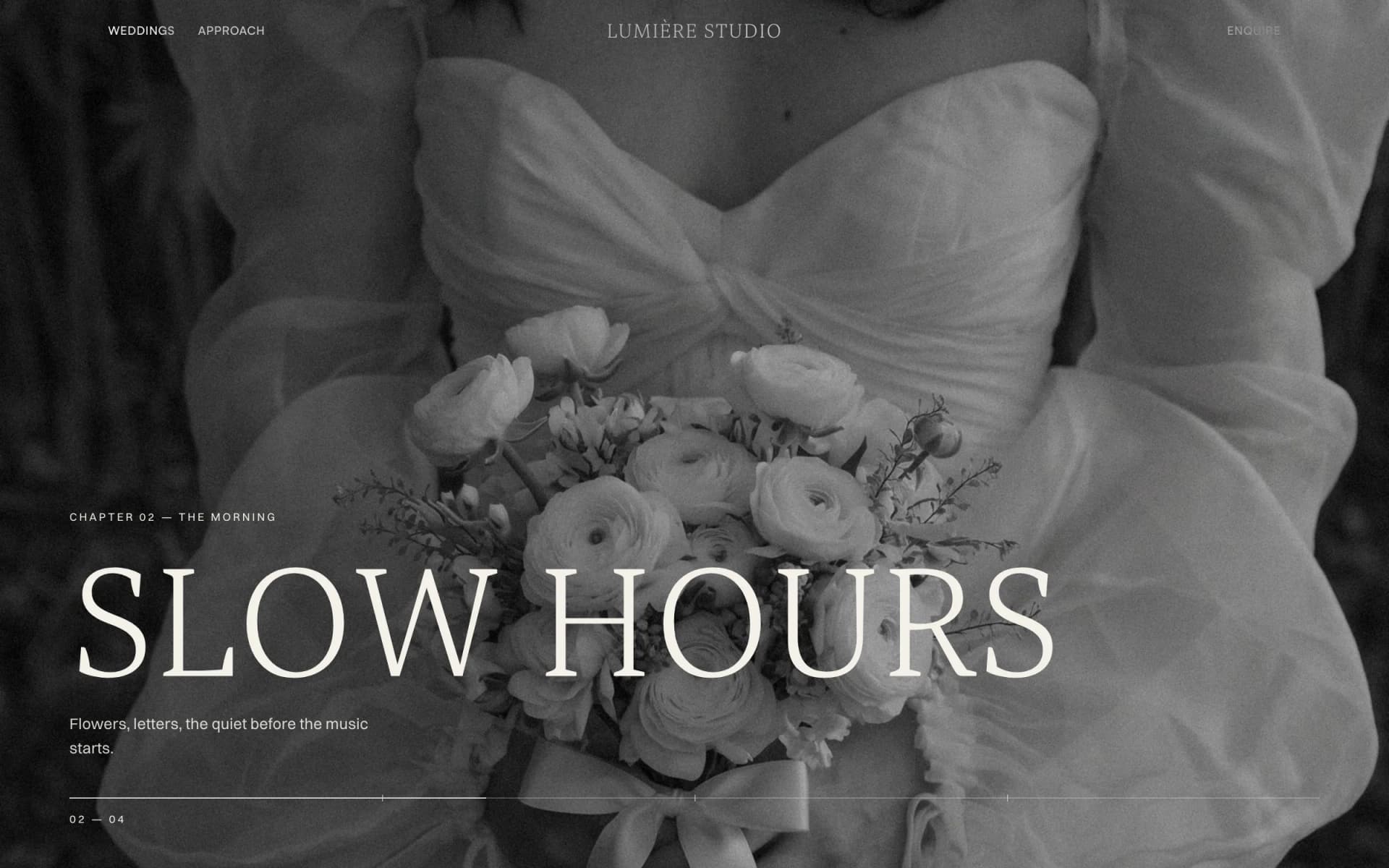
Startfrom a real site
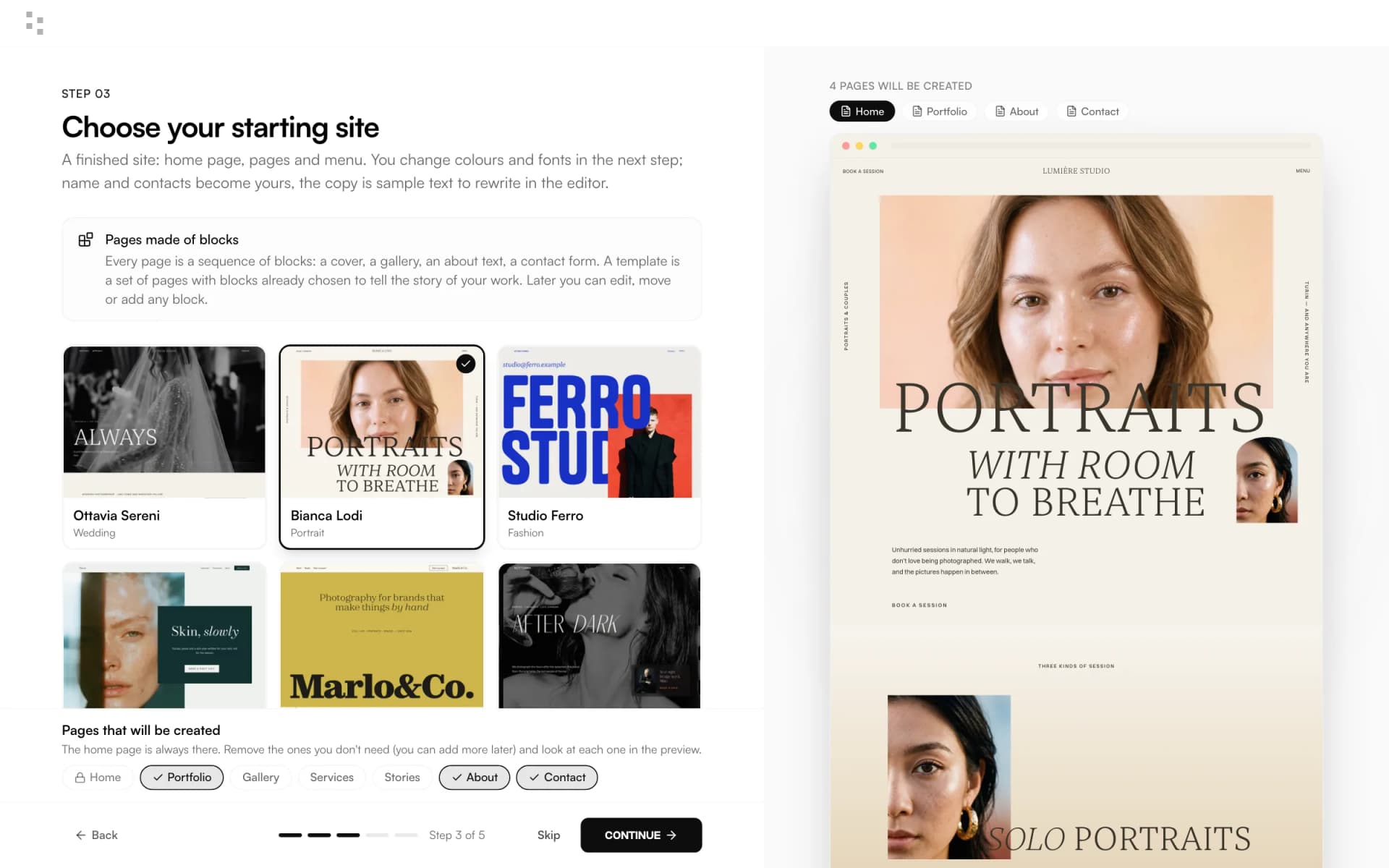
Choose one of the example sites in the setup wizard: wedding, portrait, fine art, editorial. Then change palette and fonts freely. It's yours from the first minute.
Dragand drop blocks
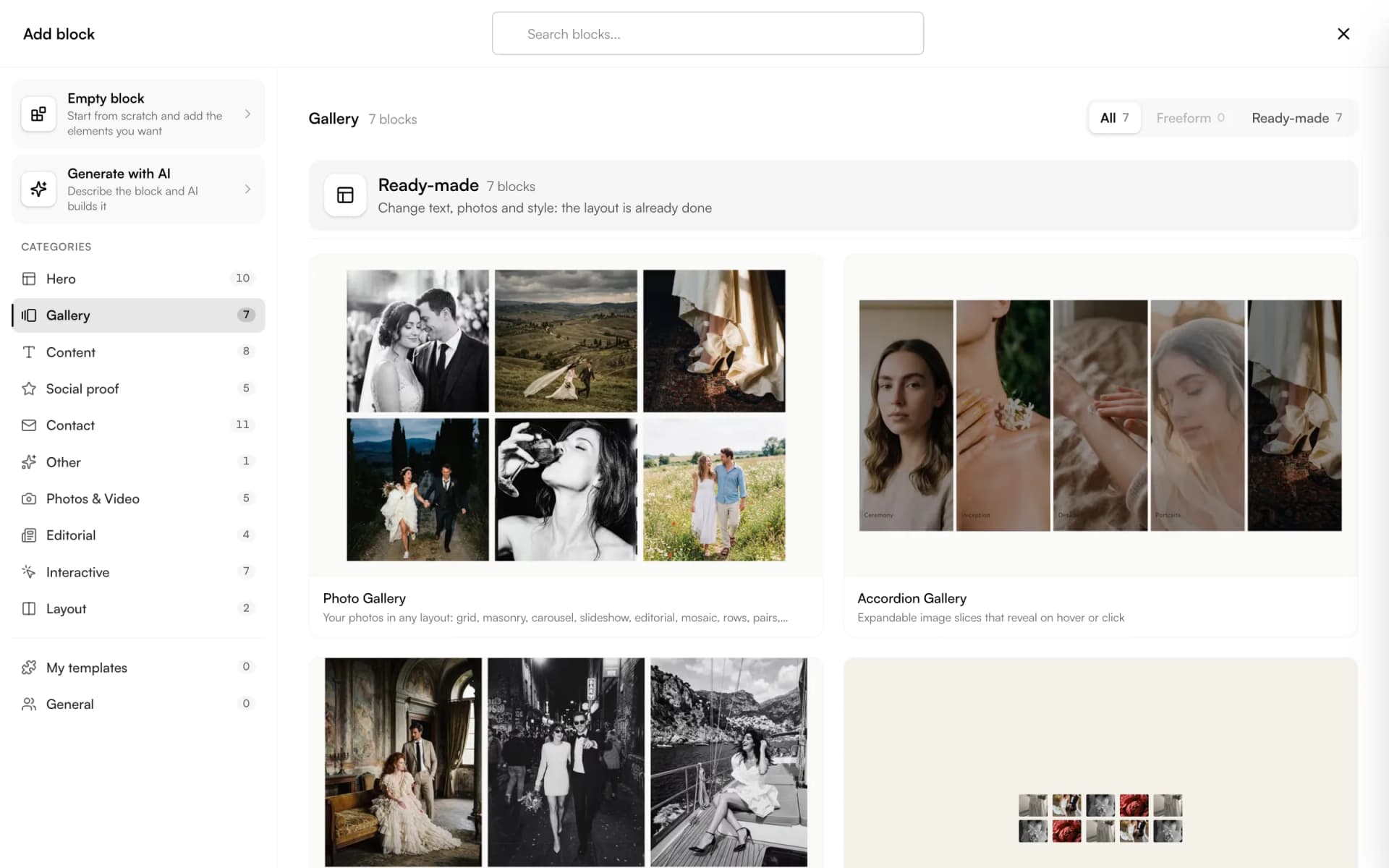
More than 60 blocks: galleries with 22 layouts, projects with 19, about, services, testimonials, contacts. Drag them in, write on the page, move them around.
Askthe AI
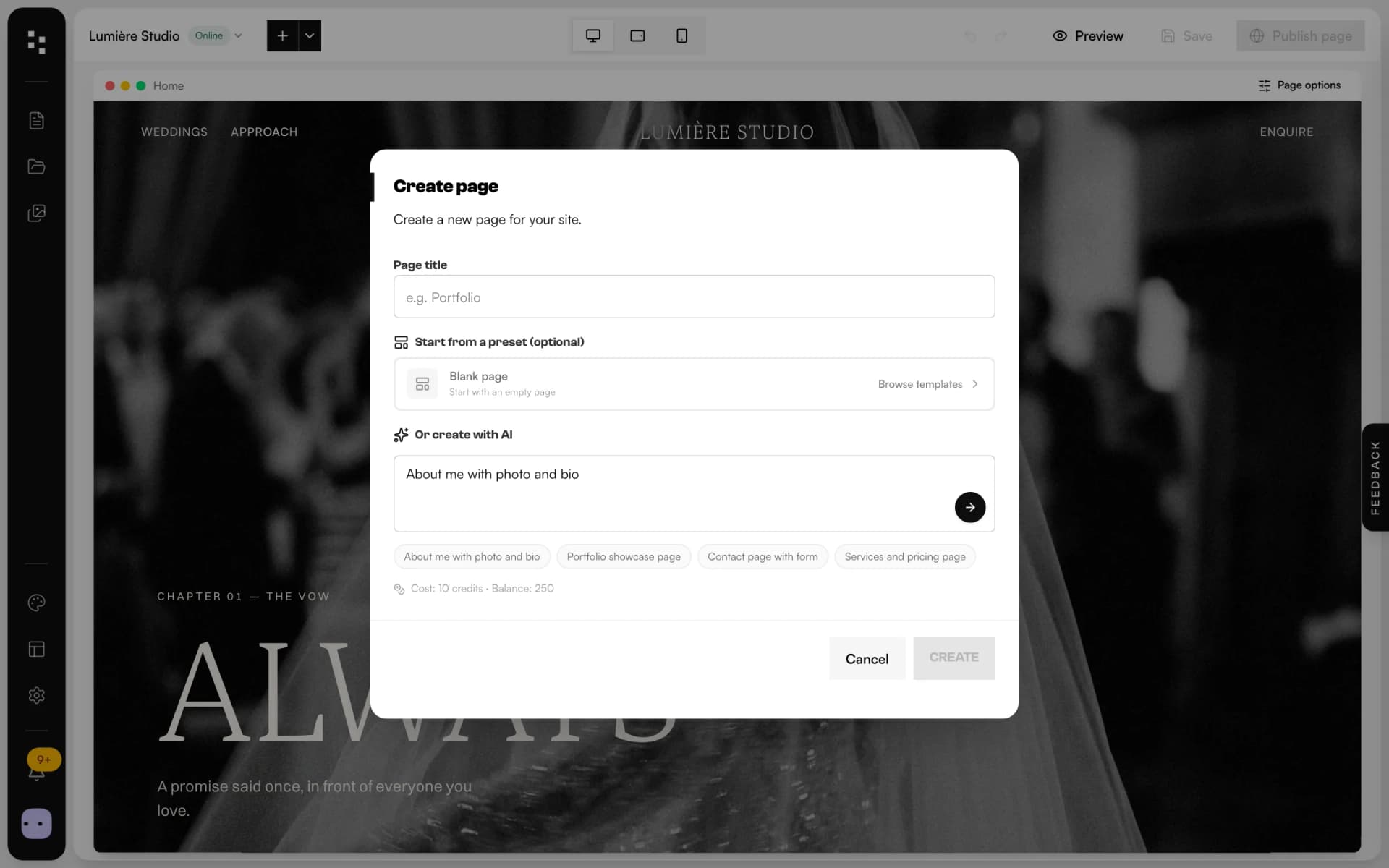
Describe the page you need and let the AI draft it in your style, or generate a single block. It writes SEO titles and descriptions for you too.
Publishand get inquiries
Publish page by page on a Mosaii.co address, or connect your own domain. The contact form sends every inquiry to the CRM as a new client and project.
Everything a portfolio needs.Nothing you have to code.
Galleries and projects
Two blocks, dozens of layouts: grid, masonry, slideshow, or a free grid you arrange by dragging. Projects can come from your category pages.
Complete themes
Colours, fonts, buttons and spacing travel together. Change theme and the whole site follows.
Made for phones
Free blocks have their own phone layout, while the content stays the same on every screen.
SEO built in
Meta title, description, social image and a search preview for every page, plus alt text on every photo.
Media library
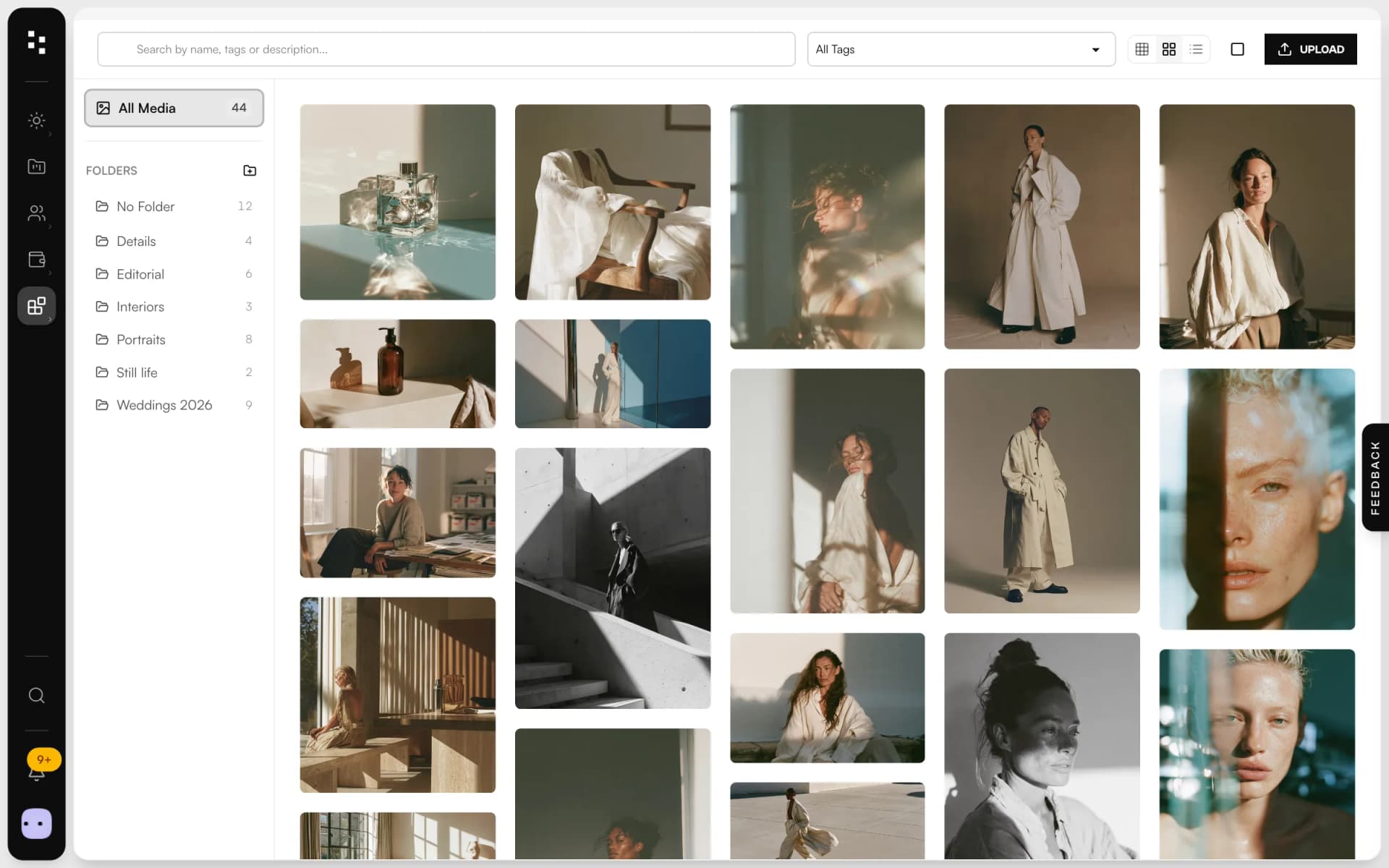
Upload once, use everywhere: tags, categories, alt text and a focus point that keeps crops on the subject.
Forms that create work
The form block is connected to the CRM: a message becomes a client, a project and a notification.
Not another app.The next piece of your studio.
Your site is where clients find you. From the first message, the rest of Mosaii.co takes over.
- 01Media libraryGather your work
- 02WebsiteGet foundYou are here
- 03PortfolioShare your best work
- 04FormsReceive the inquiry
- 05BookingMeet the client
- 06Quotes & contractsSign and get paid
- 07MoodboardAgree on the look
- 08TimelineRun the day
How it connects
Less admin.More photography.
Without Mosaii.co
- A site builder, a form tool and a spreadsheet of inquiries
- Copying every contact request into your CRM by hand
- A template that looks like everyone else's
- Paying someone for every small change
With Mosaii.co
- Site, forms and clients in one account
- Every inquiry becomes a client and a project
- Starting sites designed for photographers, then made yours
- You change any page yourself, in minutes
Questions about Website builder
Do I need to know how to code?
No. You build the site by dragging blocks and writing directly on the page. Custom CSS and head code are there if you want them, never required.
Can I use my own domain?
Yes. Every site gets a free Mosaii.co address, and you can connect your own domain on a paid plan. What each plan includes is on the pricing page.
Is a Mosaii.co site good for SEO?
Every page has its own meta title, description and social image with a search preview, photos have alt text, and the AI can suggest SEO text for you.
Will my site look good on phones?
Yes. Blocks adapt to the screen, and free blocks have their own phone layout that you can adjust without changing the content.
Can clients contact me from my site?
Yes. The form block is connected to Mosaii.co forms: each message creates a client and a project in your CRM and notifies you.
How much does it cost?
You can start for free. Plans and prices are on the pricing page.
Every piecefits the next.
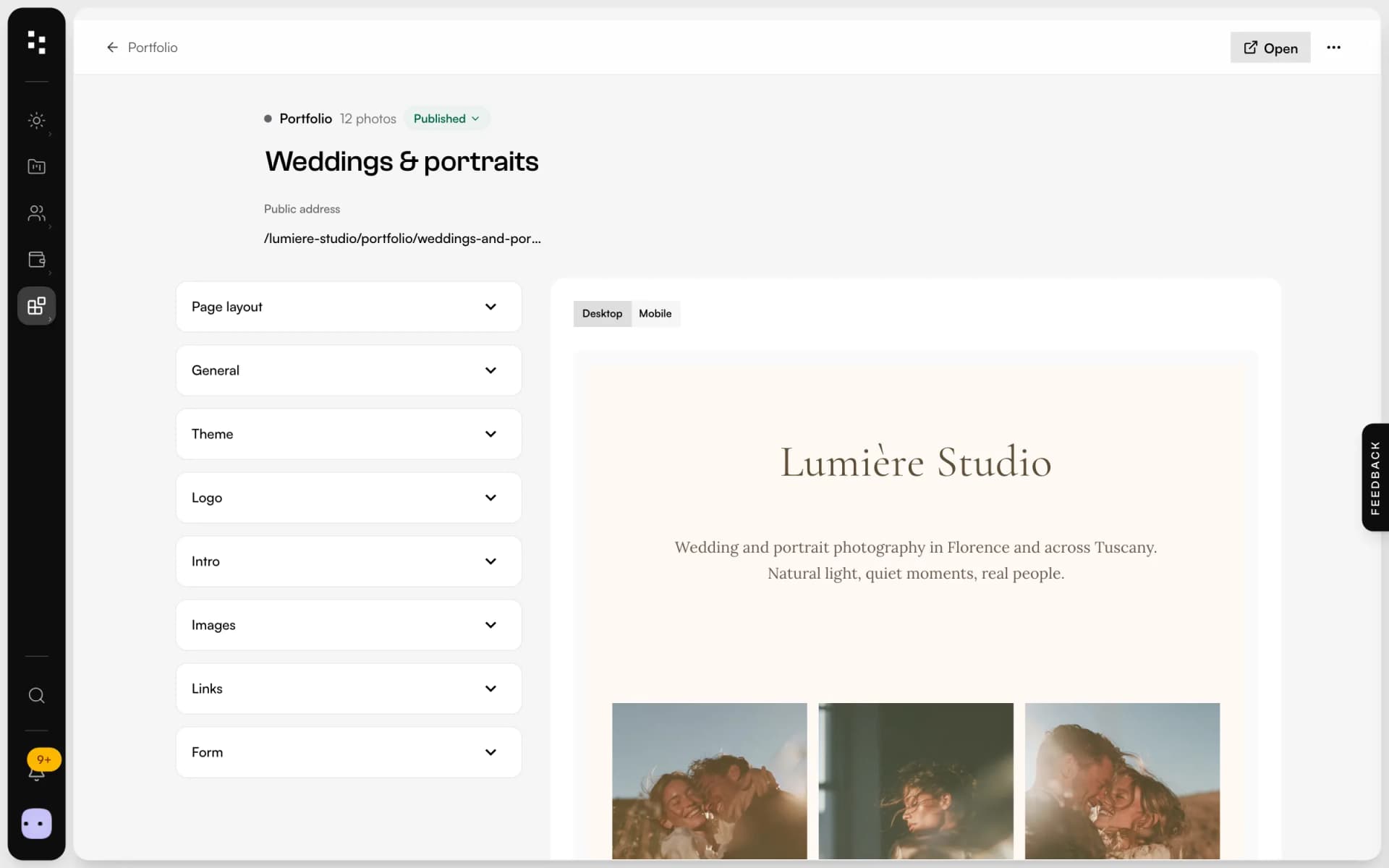
- PortfolioA page for your bio link: best photos, links and a contact form.Discover
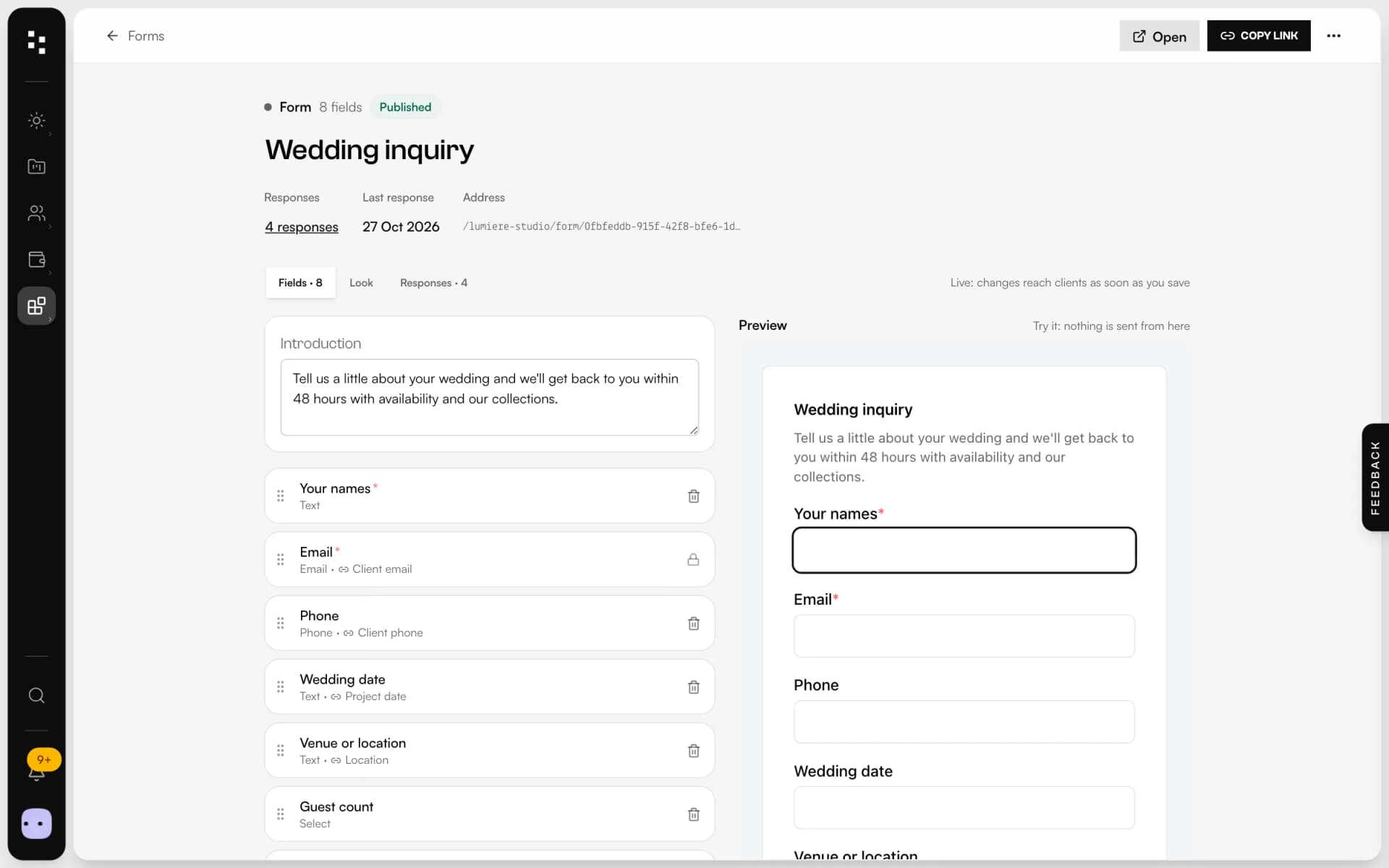
- Forms & questionnairesInquiries that become projects, answers that stay in them.Discover
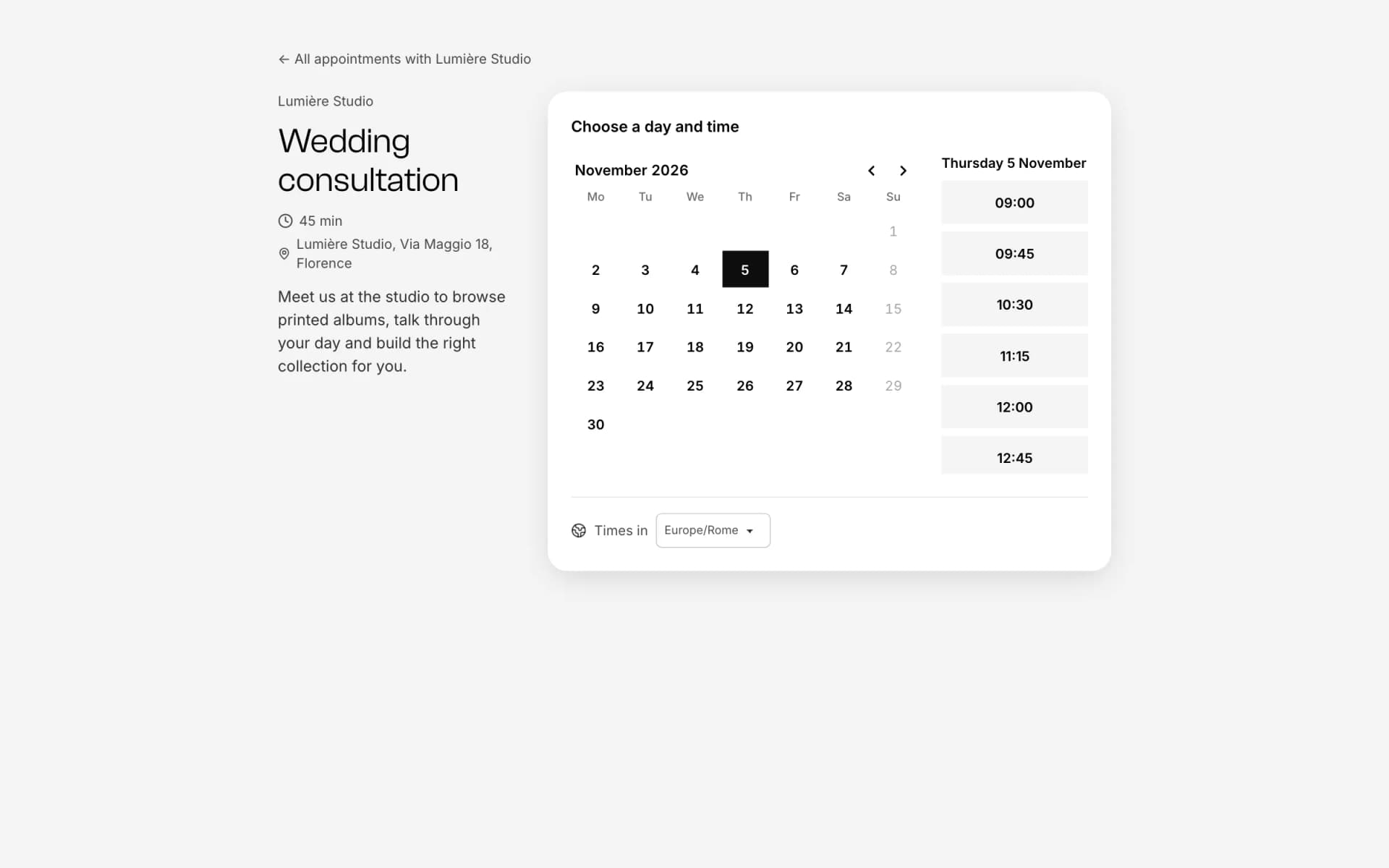
- Online bookingOne link, free slots, no back-and-forth emails.Discover
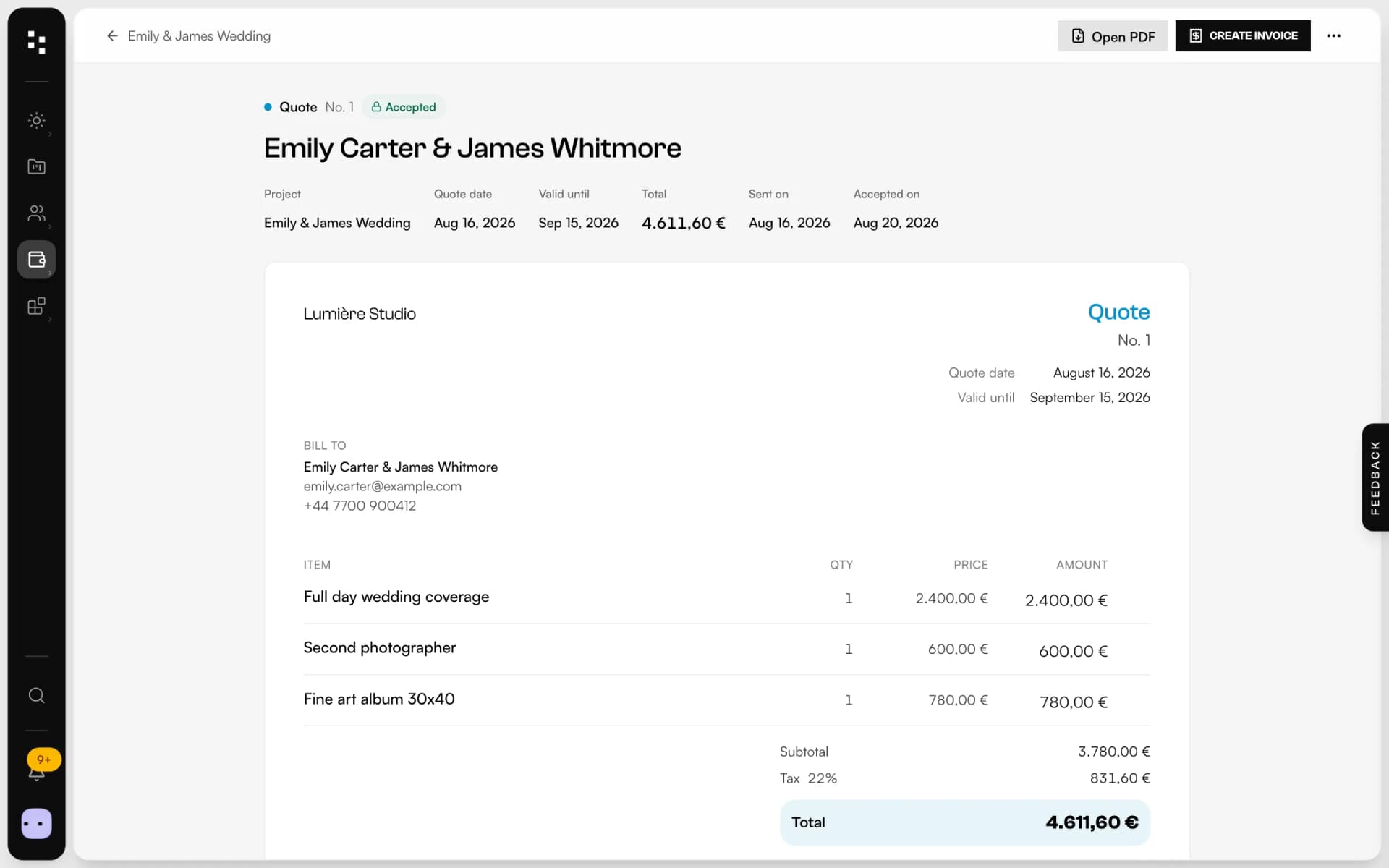
- Quotes, contracts & paymentsFrom the quote to the last payment, without retyping a line.Discover
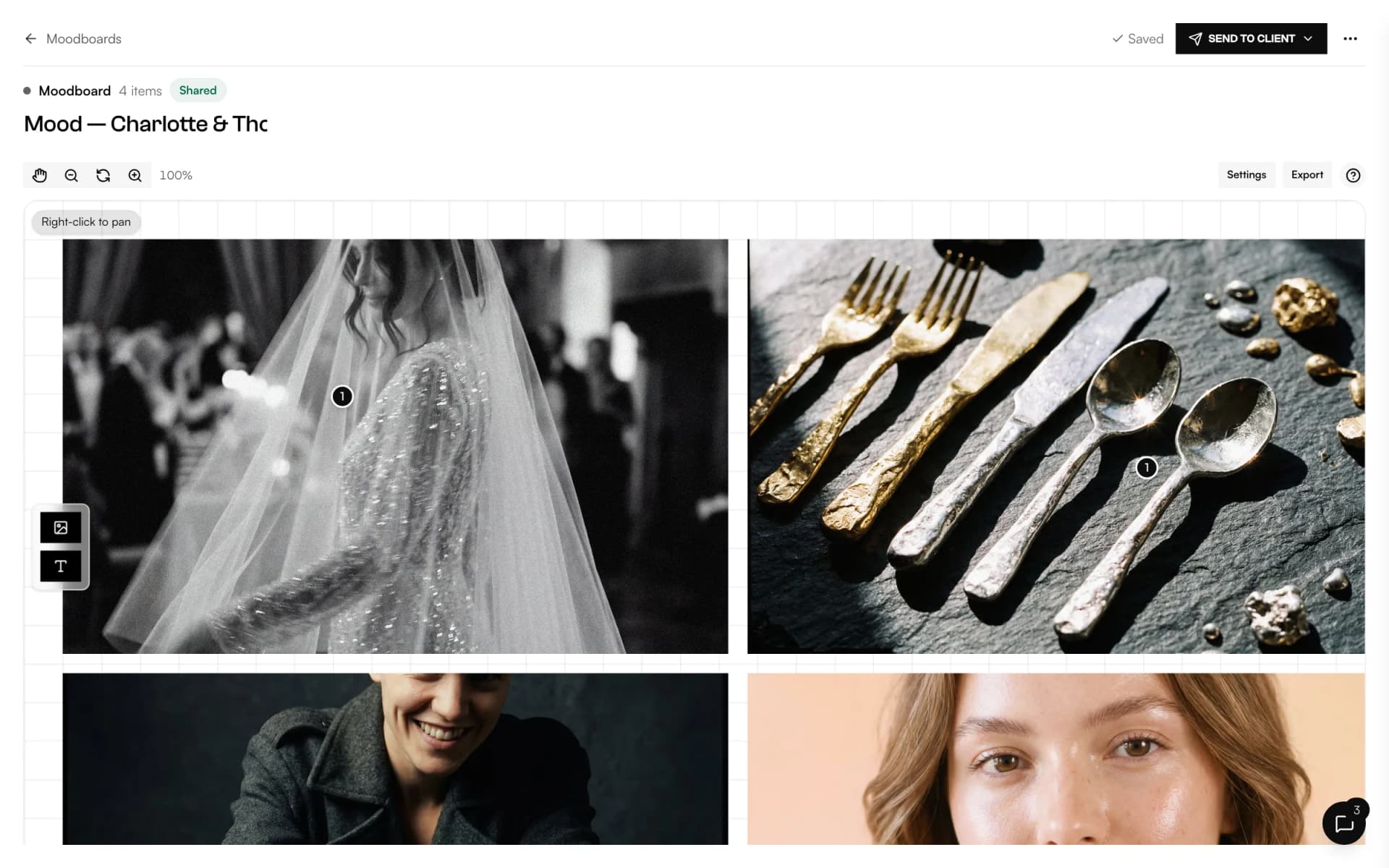
- MoodboardA shared canvas to agree on the look, with comments on every image.Discover
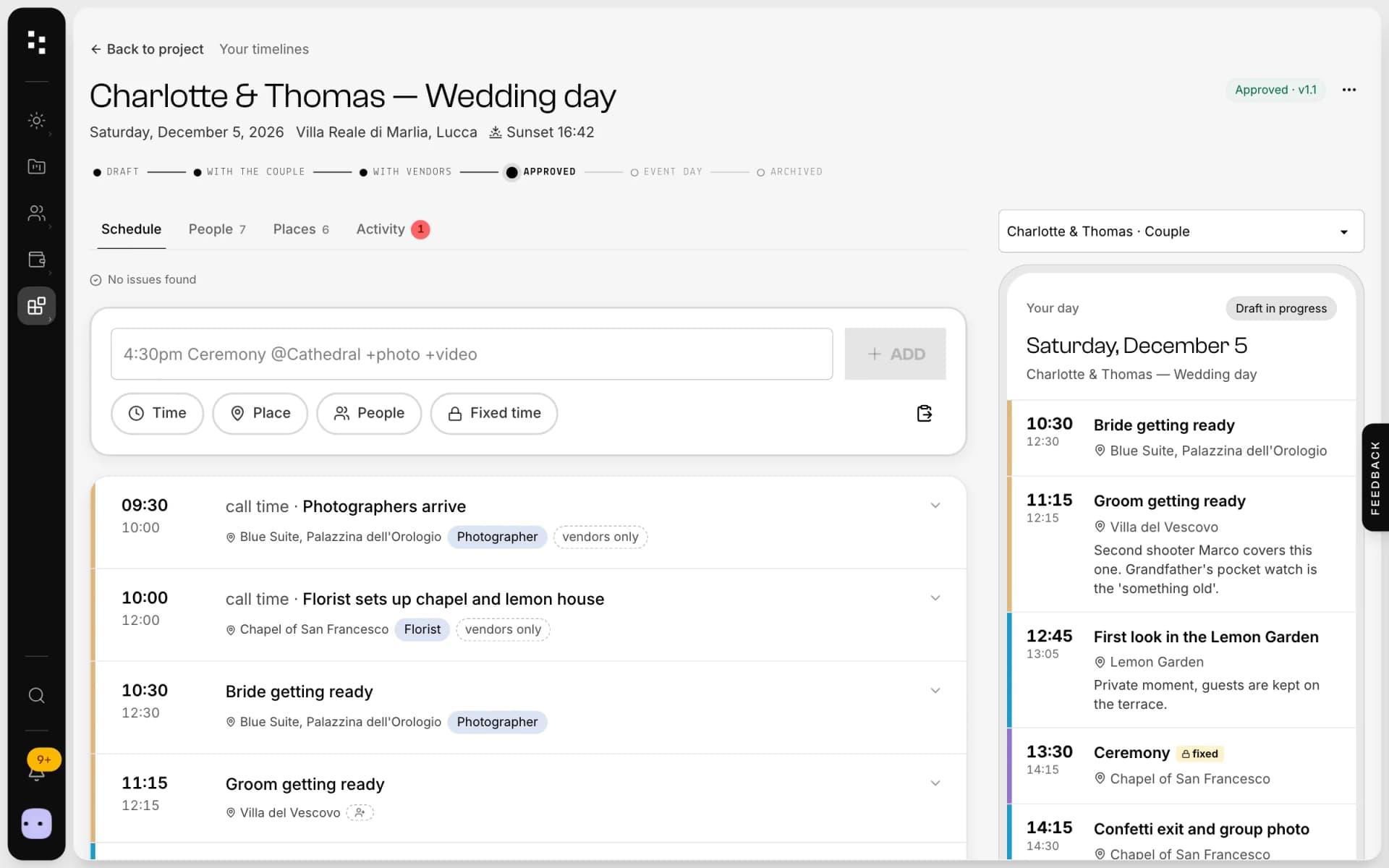
- Wedding timelineOne wedding-day schedule; the couple and every vendor read their part.Discover
- Media libraryUpload in bulk, sort into folders and use every image across the Suite.Discover
Your whole studio, in one place.
Start free with the whole Suite: site, clients, documents and the big day. Plans and prices are on the pricing page.