Moodboards for photographers and their clients
Agree on the lookbefore the shoot.
Lay out references, colours and notes on a free canvas, share it with your client and get their comments pinned right on the images. Every moodboard lives in the project it belongs to.
Free plan, no expiry · No credit card required
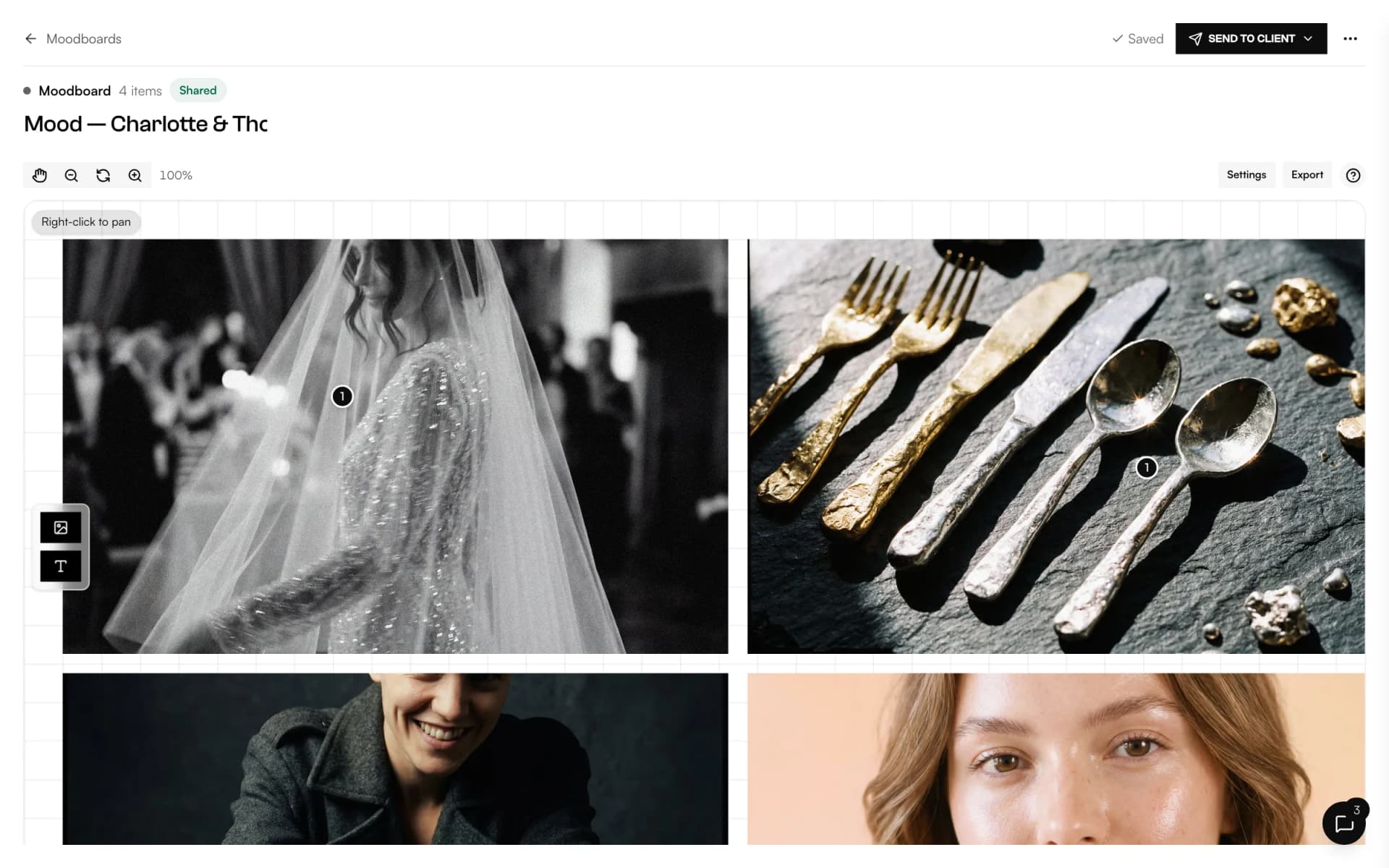
- Free canvas
- Original proportions
- Text and marker
- Snap grid
- Layers
- Share link
- Client portal
- Pinned comments
What is Mosaii.co Moodboard?
Mosaii.co Moodboard is a free canvas for visual references, attached to a client's project. You drop in photos, write notes and sketch with a marker, then share the board by link, by email or in the client portal. Clients can't change it, but they can comment on the whole board or on a single image.
- Who it's for
- Photographers preparing weddings, editorials and portrait sessions with their clients
- What clients see
- A read-only board where they can leave comments pinned to images
- Where it lives
- In the client's project, next to quotes, contracts and the timeline
- Export
- Print it or save it as PDF, in A4 or Letter
One board.The same picture in every head.
References, notes and feedback in one place your client can always find.
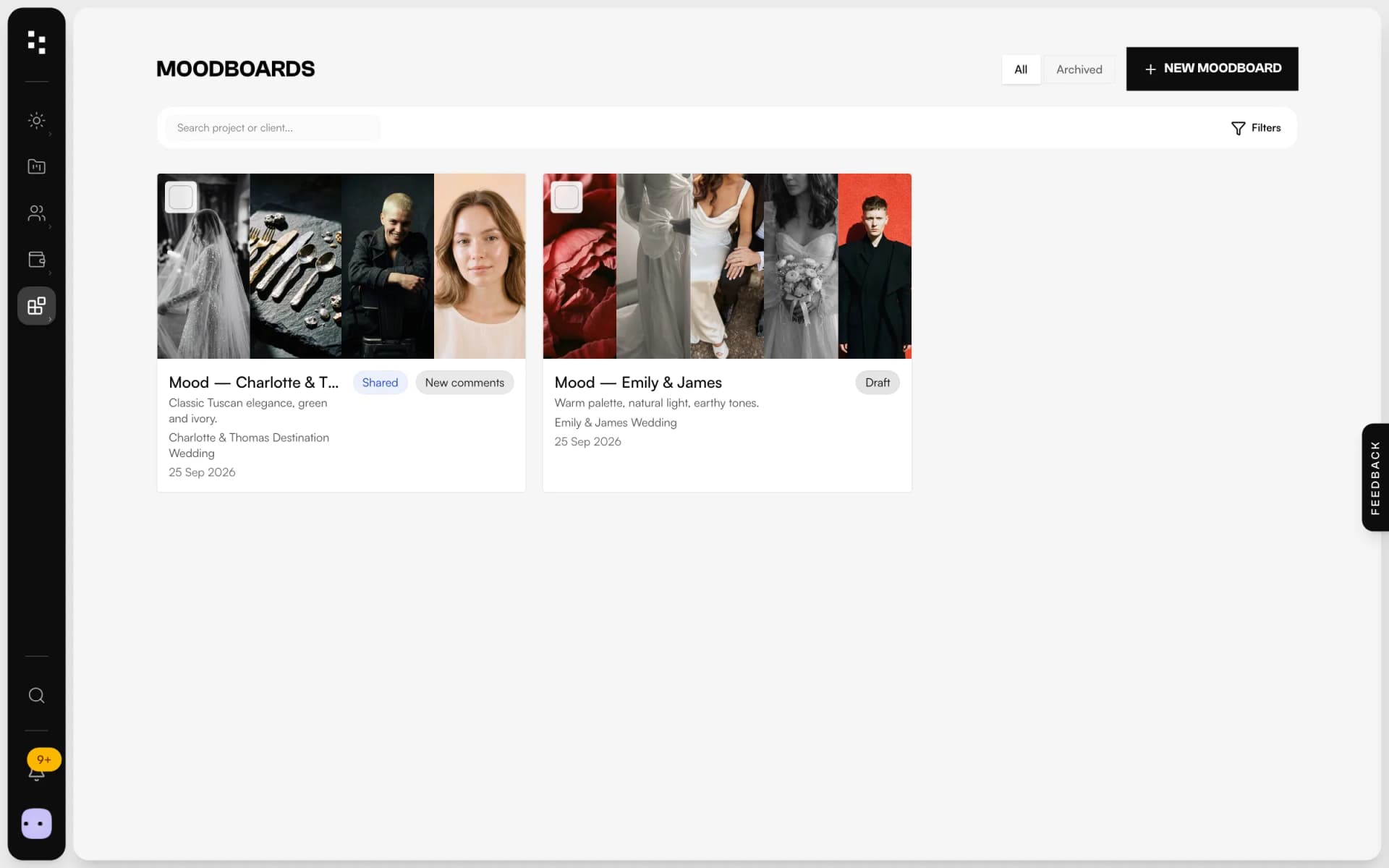
Collectyour references
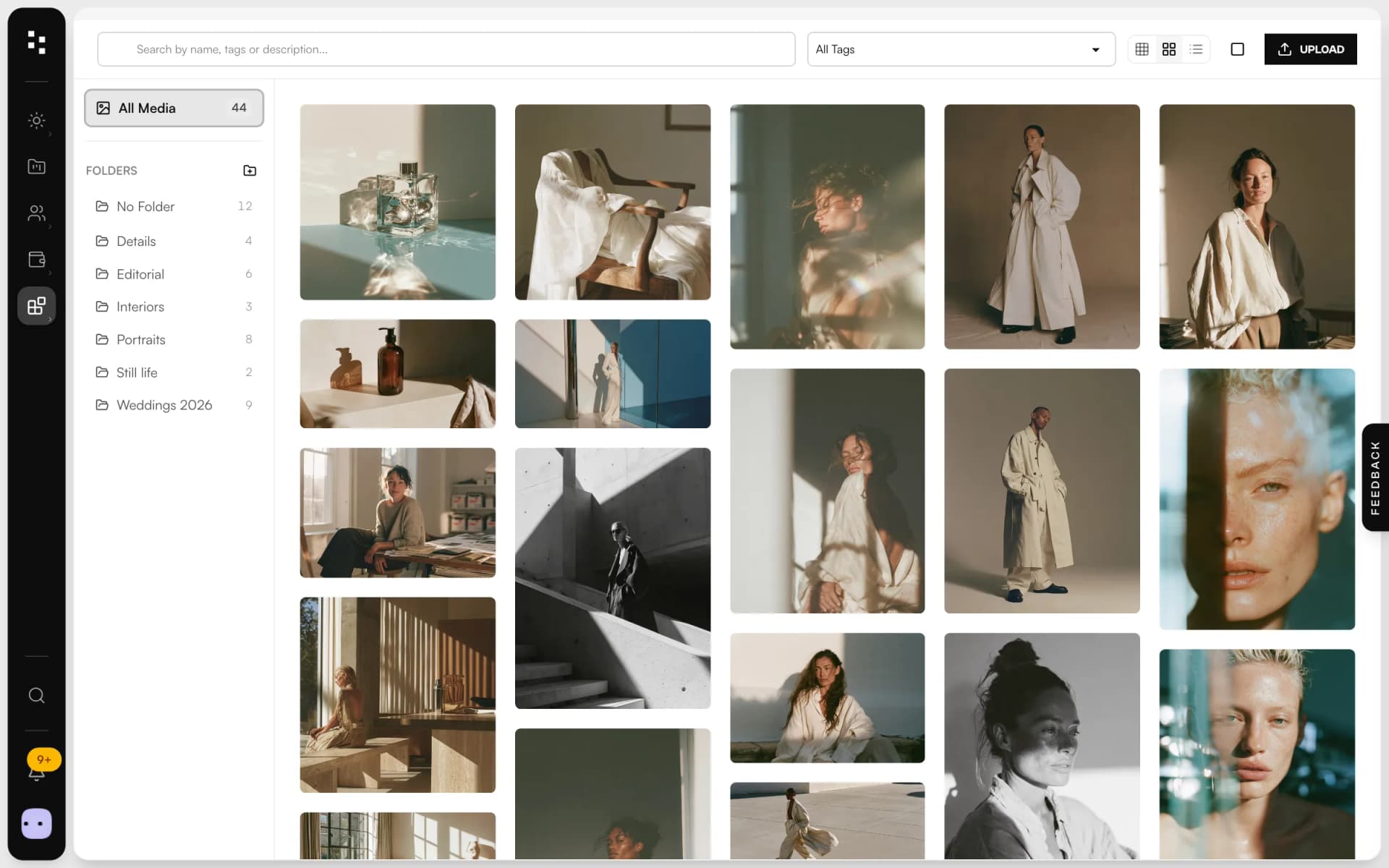
Drag photos from your computer or pick them from your media library. They keep their original proportions, so a portrait stays a portrait.
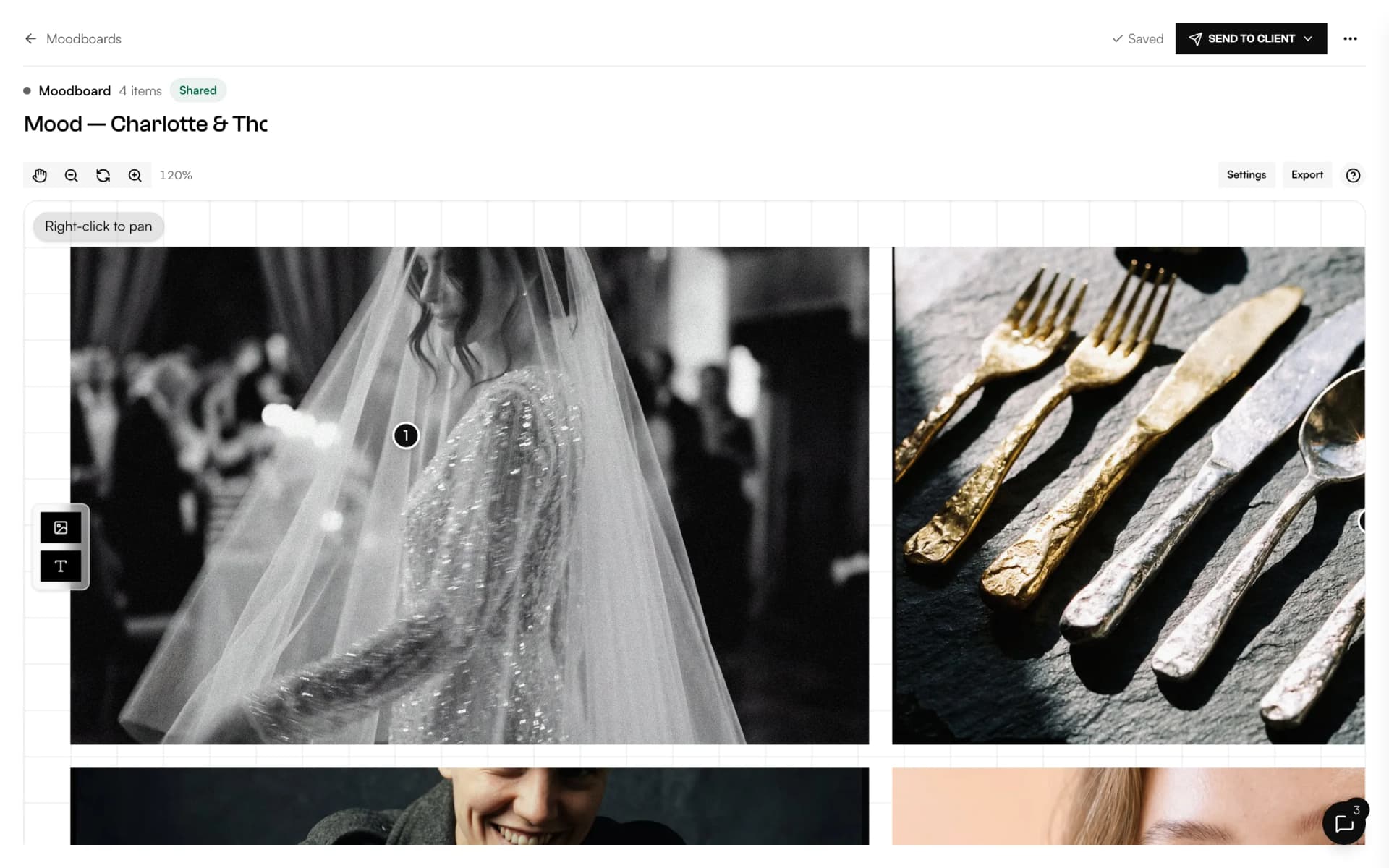
Composefreely
Move, resize and layer images on an open canvas, with zoom and an optional snap grid. Add text in your fonts and colours, or sketch with the marker.
Sharewith the client
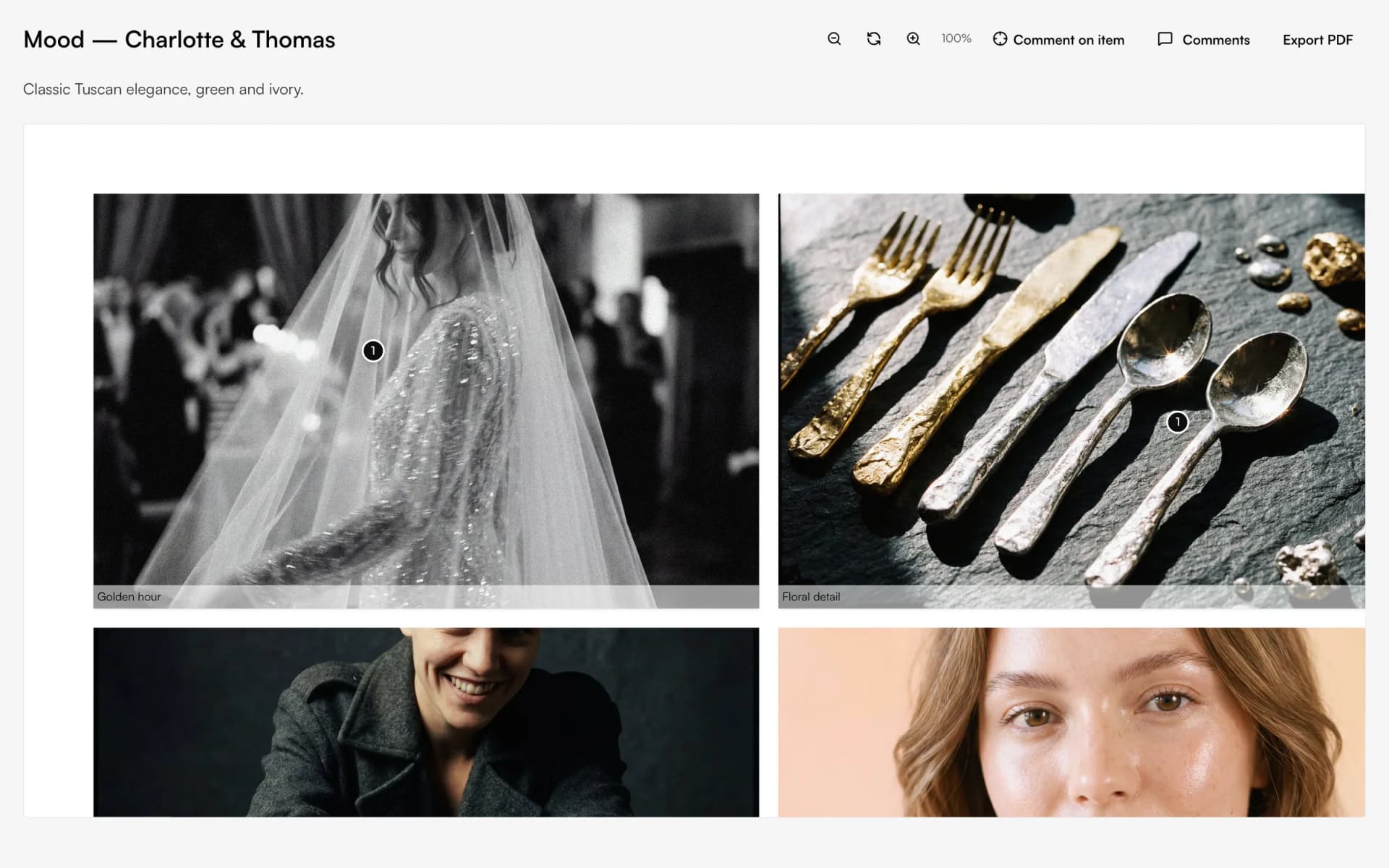
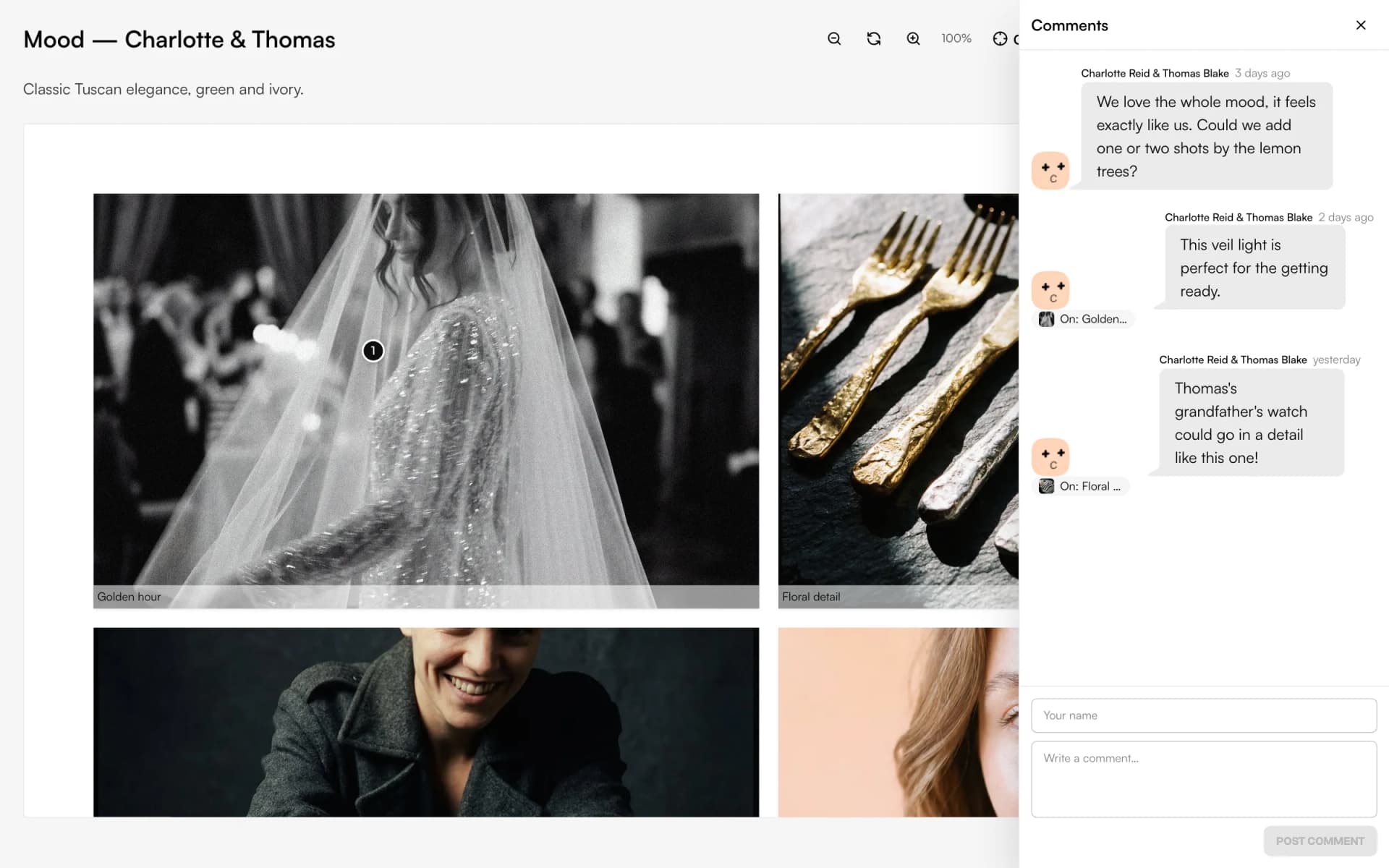
Send a link, email it to the project's client or add it to their portal with a notification. They see the board exactly as you laid it out.
Listento the comments
Clients comment on the board or pin a note to a single image. You see an unread badge and reply in the same place.
A canvas, nota folder of screenshots.
Free layout
Place anything anywhere: zoom, pan, select several items, bring to front, lock what's done.
Text and marker
Write notes with font, size and colours, or draw arrows and circles by hand.
Keyboard shortcuts
Copy, duplicate and nudge without leaving the keyboard, with a shortcut panel when you forget.
Pinned comments
Feedback lands on the image it's about, not in a long email thread.
Every board in its project
Each moodboard belongs to a project, and a single list shows them all.
Ready to print
Export to PDF in A4 or Letter, scaled to fit, for meetings or for your team.
Not another app.The next piece of your studio.
The moodboard is where the style is agreed. The Suite makes sure it reaches the client, and the day.
- 01Media libraryGather your work
- 02WebsiteGet found
- 03PortfolioShare your best work
- 04FormsReceive the inquiry
- 05BookingMeet the client
- 06Quotes & contractsSign and get paid
- 07MoodboardAgree on the lookYou are here
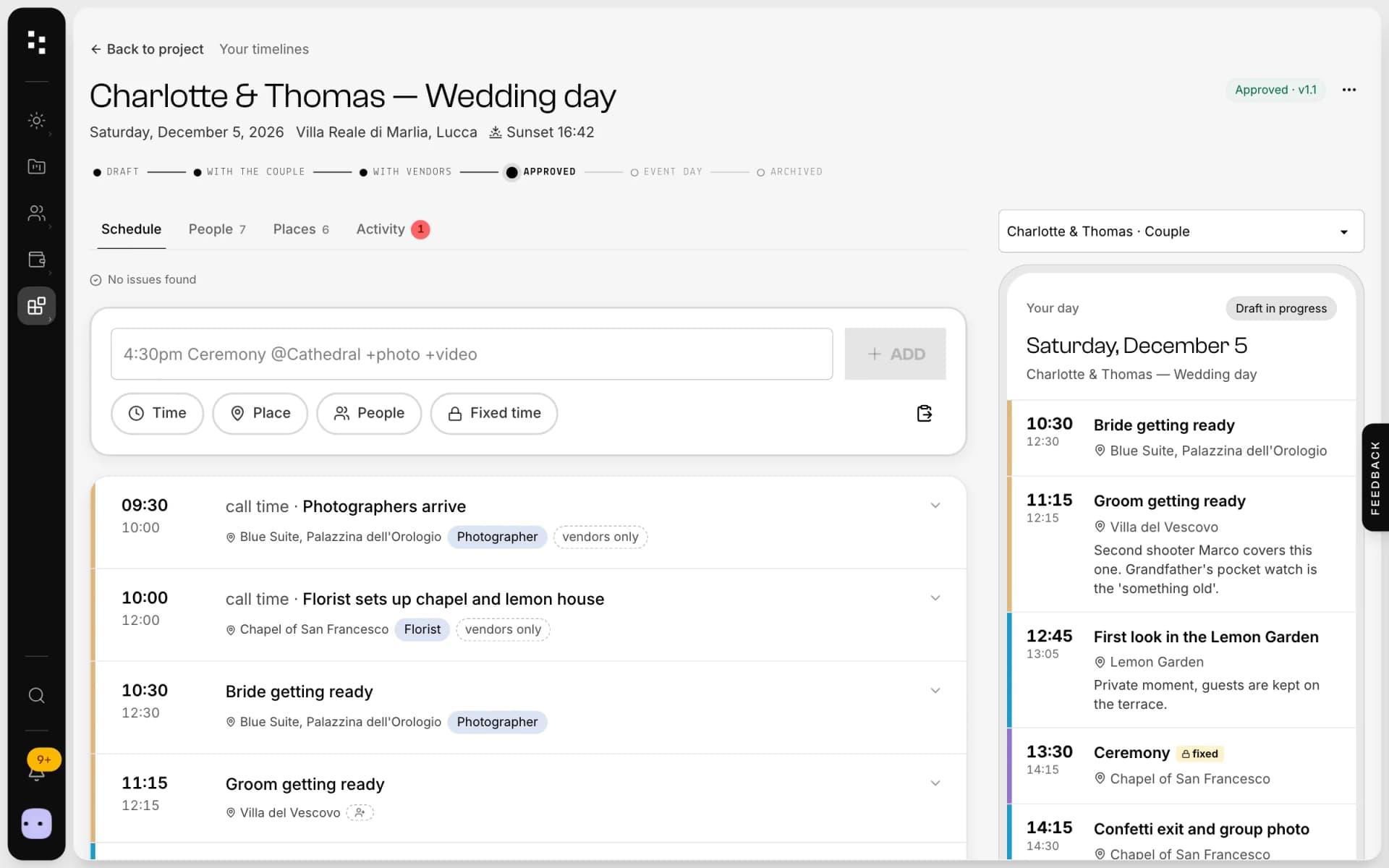
- 08TimelineRun the day
How it connects
Less admin.More photography.
Without Mosaii.co
- Pinterest boards the client can't find
- Feedback scattered across email and chat
- Screenshots of screenshots, cropped wrong
- References lost outside the project
With Mosaii.co
- One link or the client portal
- Comments pinned to each image
- Photos in their original proportions
- Every board inside its project
Questions about Moodboard
Can my client edit the moodboard?
No, the board stays yours. Clients see it read-only and can comment on the whole board or on a single image.
How do I share a moodboard?
In three ways: a public link, an email to the project's client, or adding it to their client portal, which also sends them a notification.
Where do the images come from?
Upload them by dragging files onto the canvas, or choose them from your Mosaii.co media library.
Can I export a moodboard?
Yes. Print it or save it as PDF in A4 or Letter, scaled to fit the page.
Do I need a project to create a moodboard?
Yes. Every moodboard belongs to a client's project, so it's always next to the quote, the contract and the timeline. A single list shows all your boards.
How much does it cost?
You can start for free. Plans and prices are on the pricing page.
Every piecefits the next.
- Wedding timelineOne wedding-day schedule; the couple and every vendor read their part.Discover
- Media libraryUpload in bulk, sort into folders and use every image across the Suite.Discover
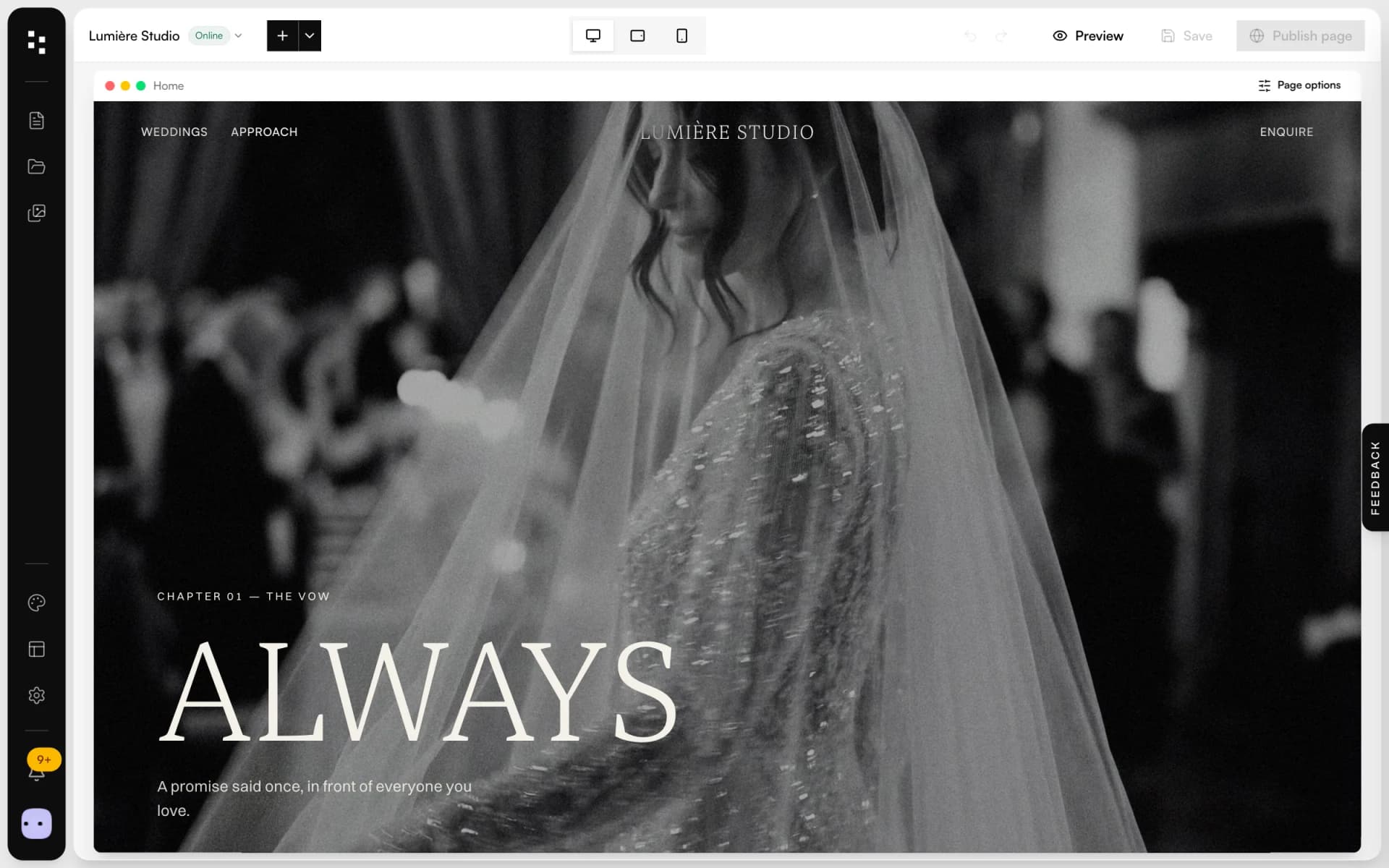
- Website builderA portfolio site that turns visits into inquiries.Discover
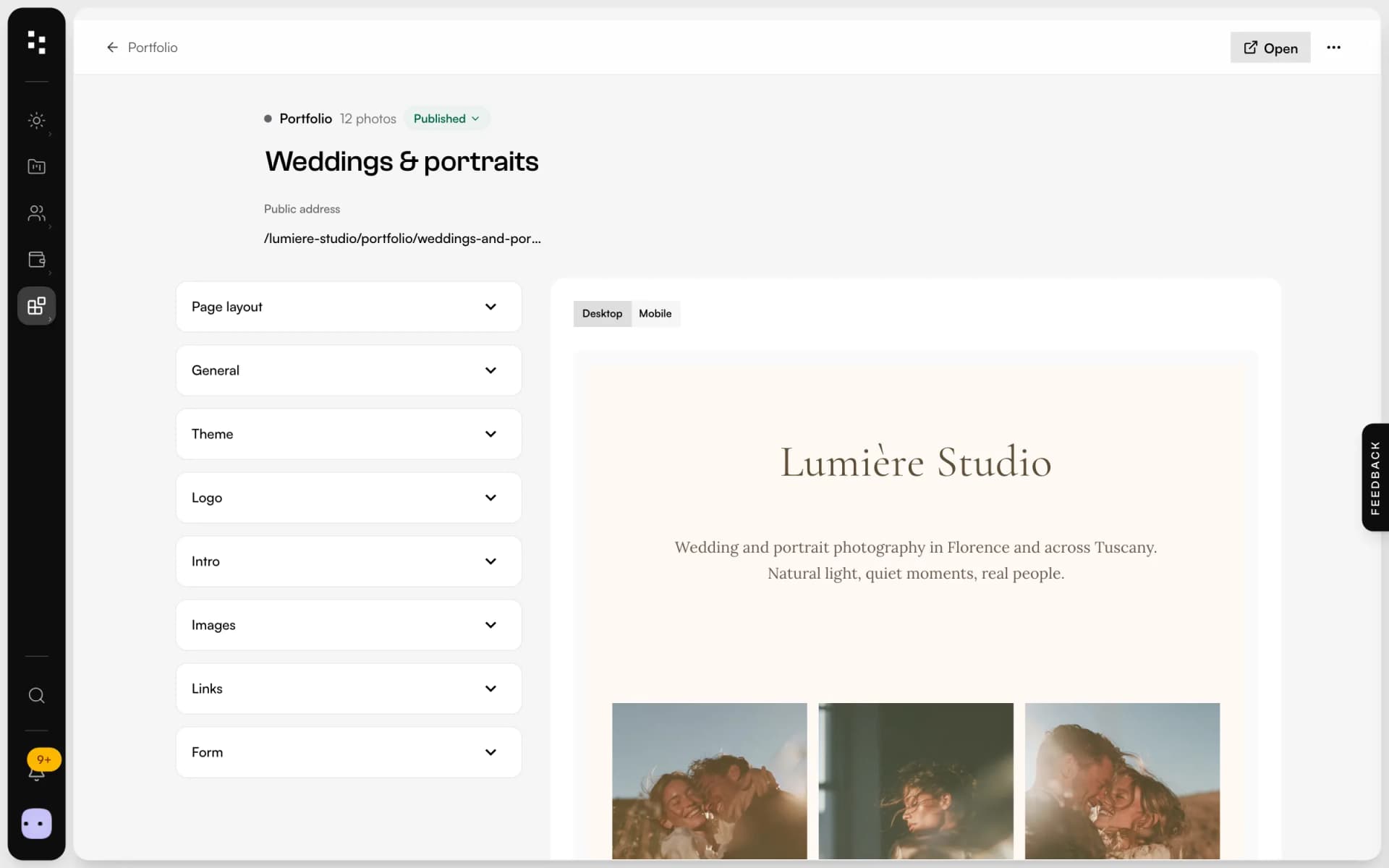
- PortfolioA page for your bio link: best photos, links and a contact form.Discover
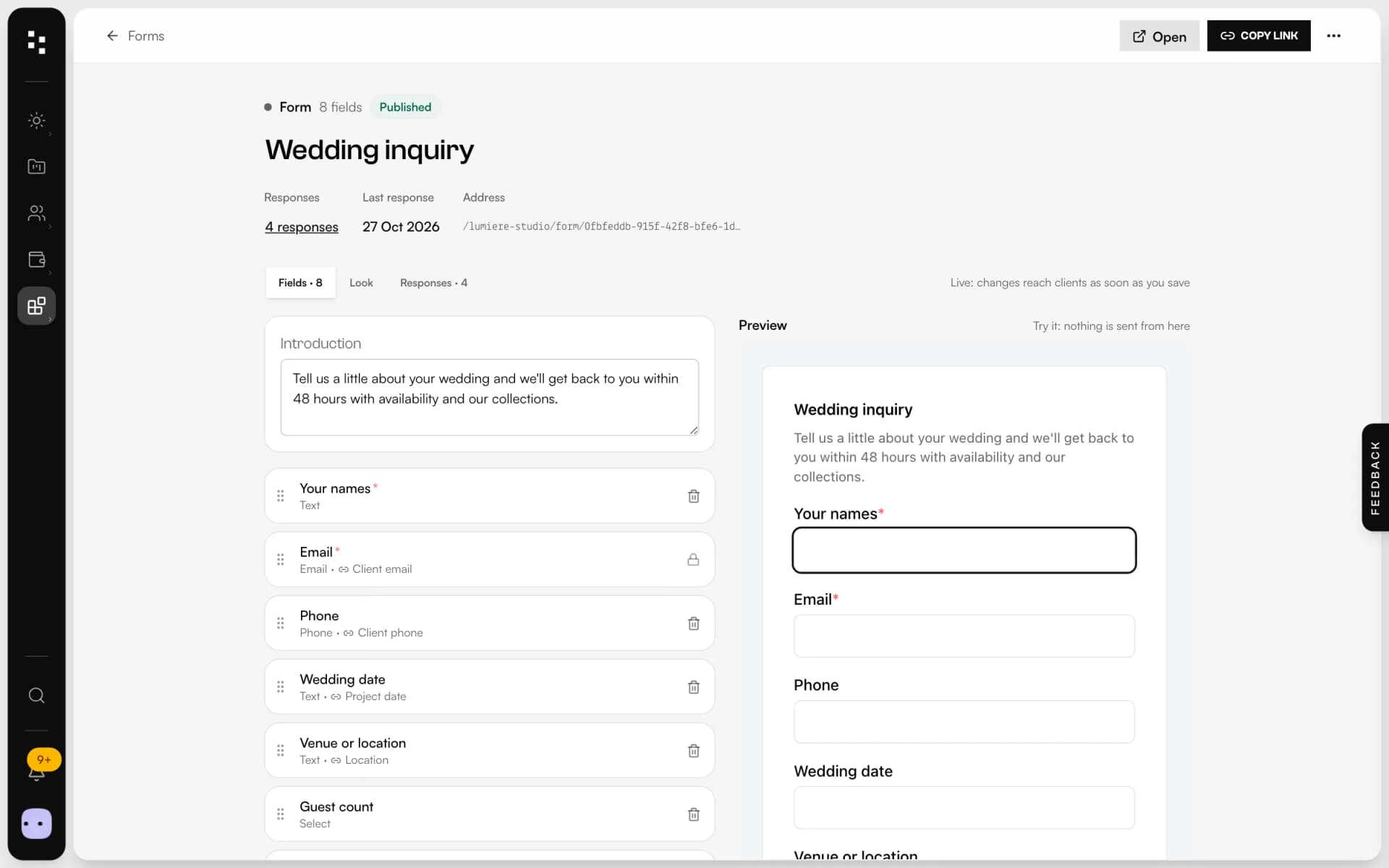
- Forms & questionnairesInquiries that become projects, answers that stay in them.Discover
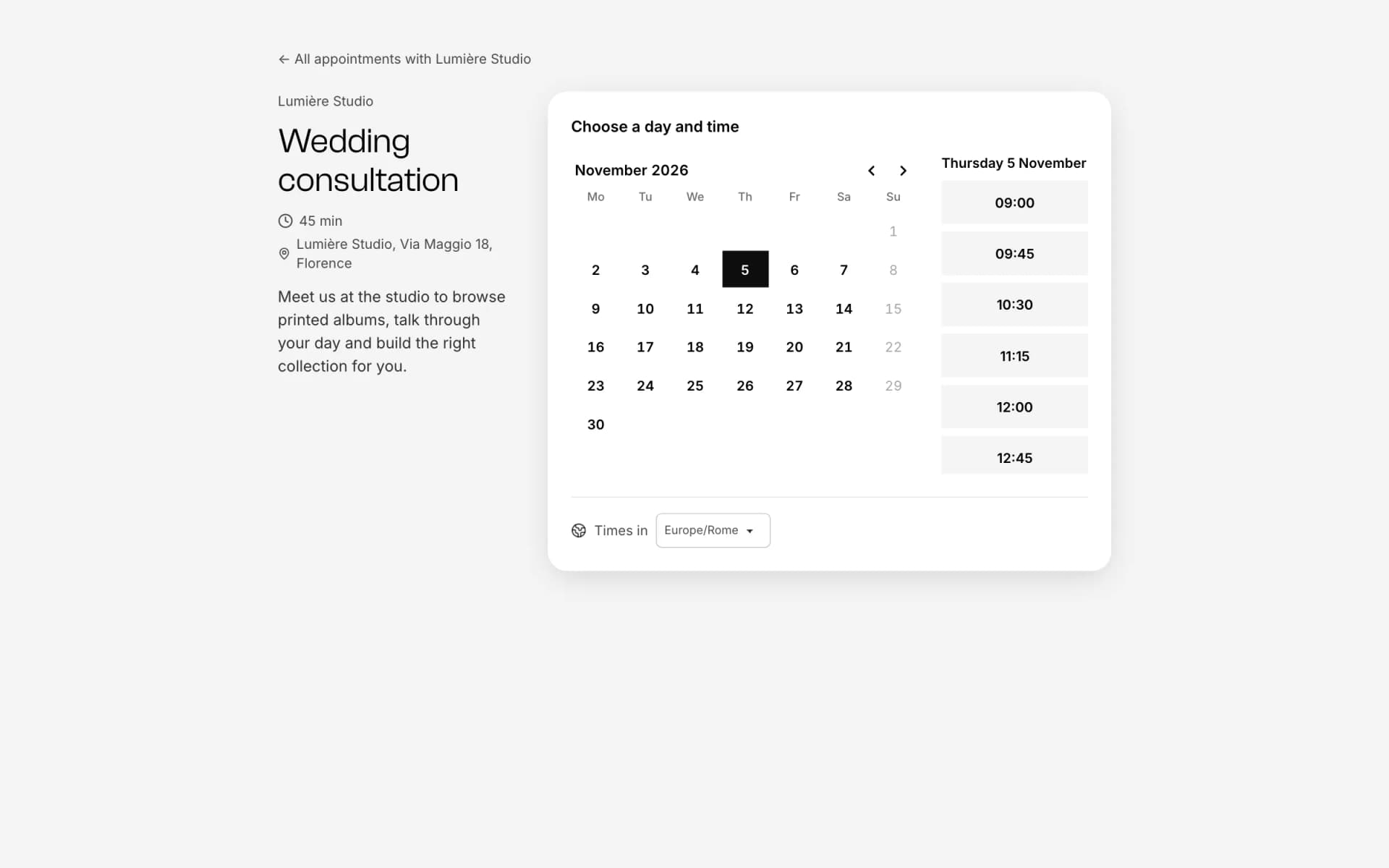
- Online bookingOne link, free slots, no back-and-forth emails.Discover
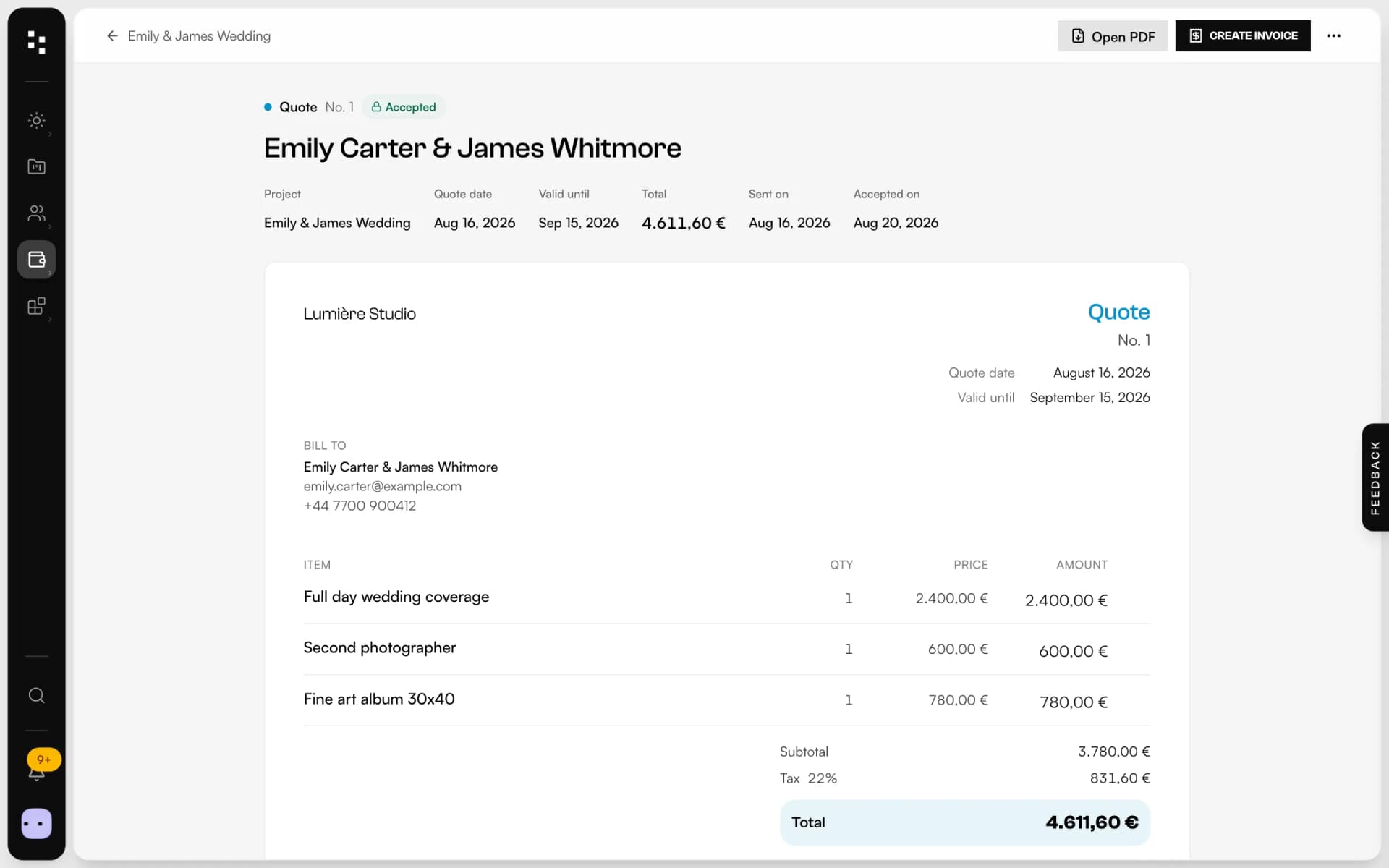
- Quotes, contracts & paymentsFrom the quote to the last payment, without retyping a line.Discover
Your whole studio, in one place.
Start free with the whole Suite: site, clients, documents and the big day. Plans and prices are on the pricing page.