Quotes, contracts and payments for photographers
Quote. Sign.Get paid.
Send a quote your client accepts in one tap, turn it into a contract they sign online and invoice the deposit they pay by card. Every step moves the project forward on its own.
Free plan, no expiry · No credit card required
- Quotes
- Price catalogue
- Online acceptance
- Contract templates
- E-signature
- Deposits
- Balances
- Card payments
How do quotes, contracts and payments work in Mosaii.co?
In Mosaii.co a quote, its contract and its invoices are one chain attached to the client's project. The client accepts the quote online, signs the contract drawn from it and pays deposit and balance by card through Stripe. You always see what has been invoiced, what has been paid and what is still due.
- Who it's for
- Photographers who sell packages with a deposit and a balance
- What clients see
- Clean documents with your logo: accept, sign or pay in their portal or from a link
- Payments
- By card through Stripe, into your own Stripe account
- Documents
- A PDF of every quote, contract and invoice
From yesto paid.
Each document leads to the next, so nothing is retyped and nothing is forgotten.
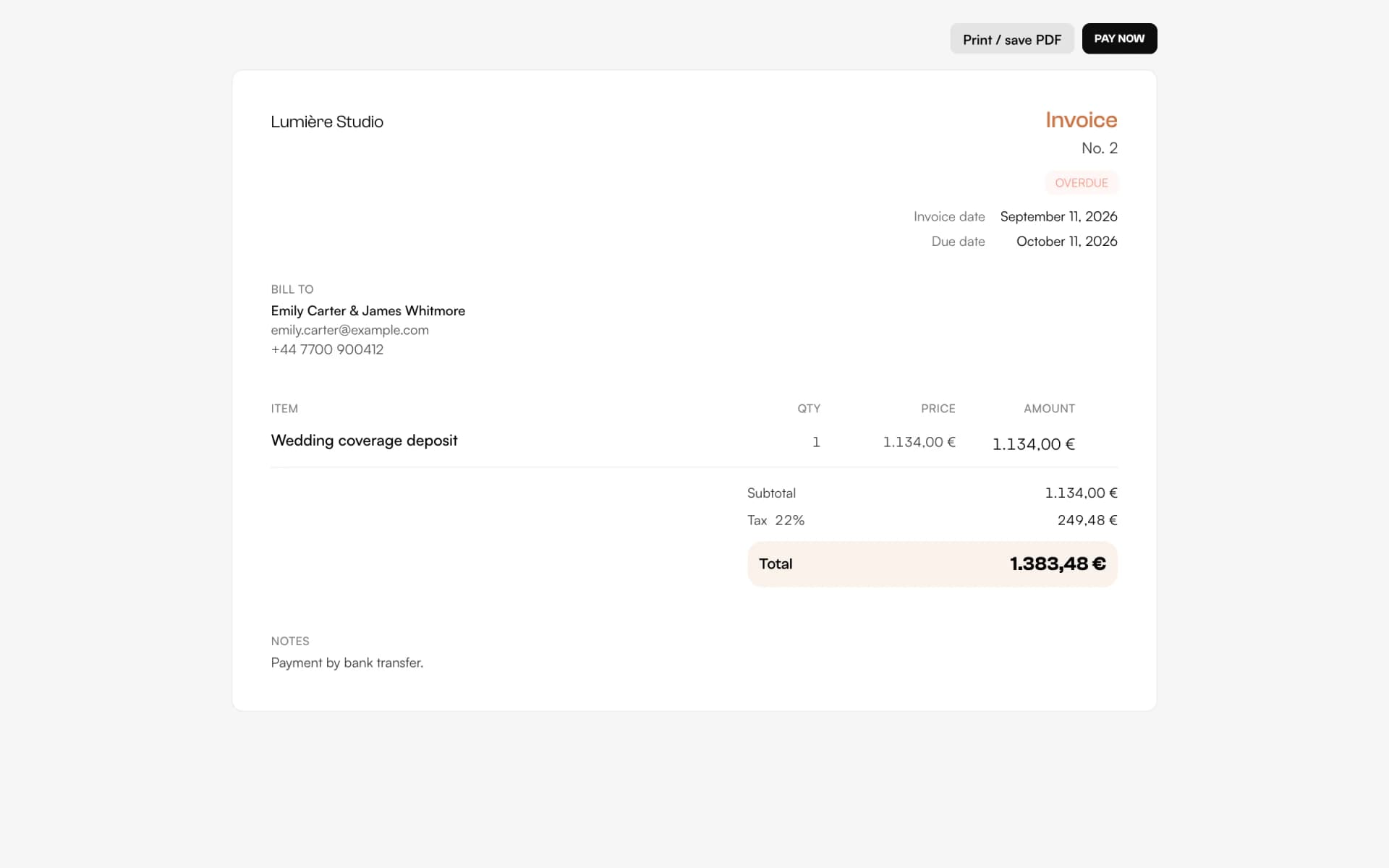
Quotein minutes
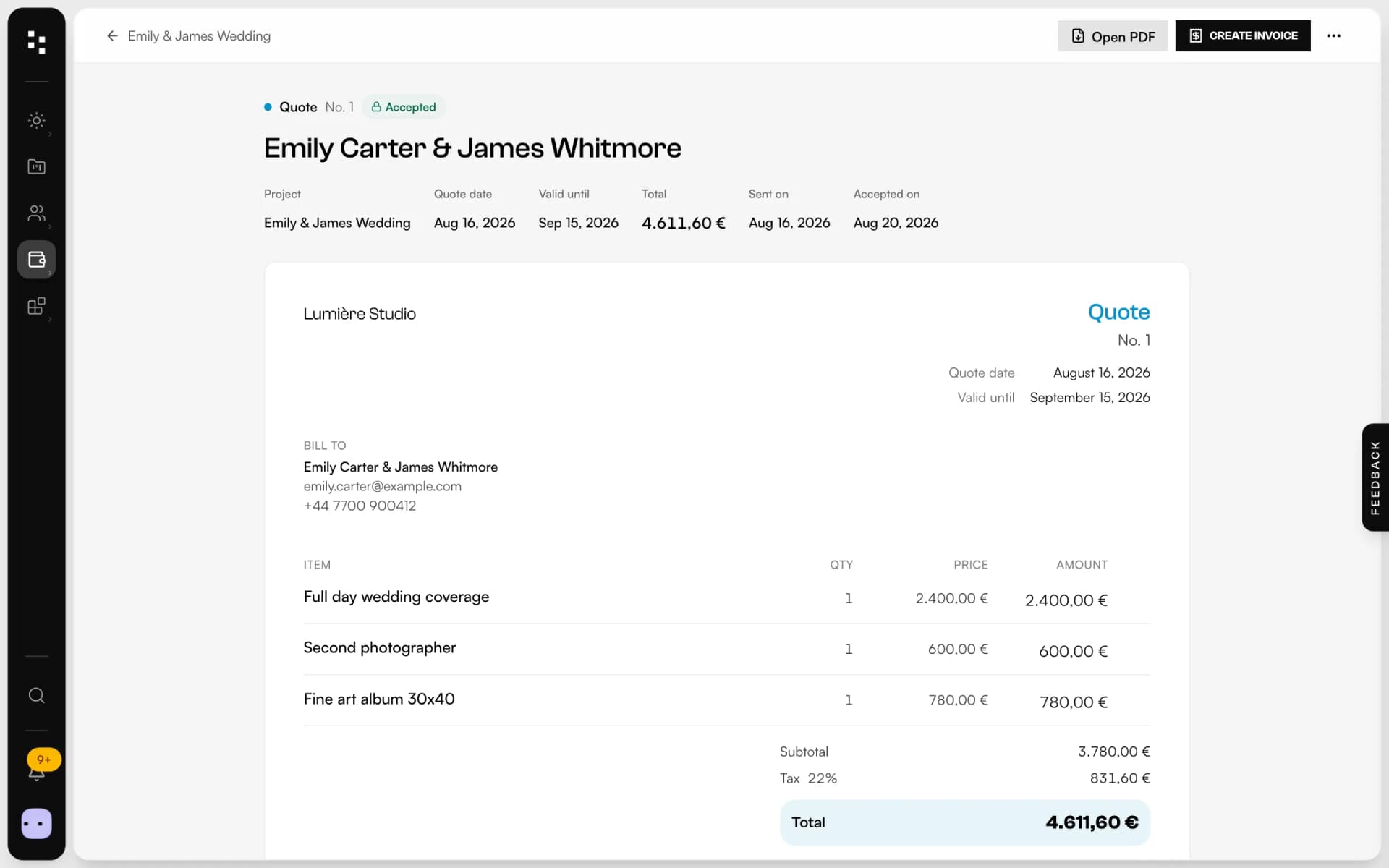
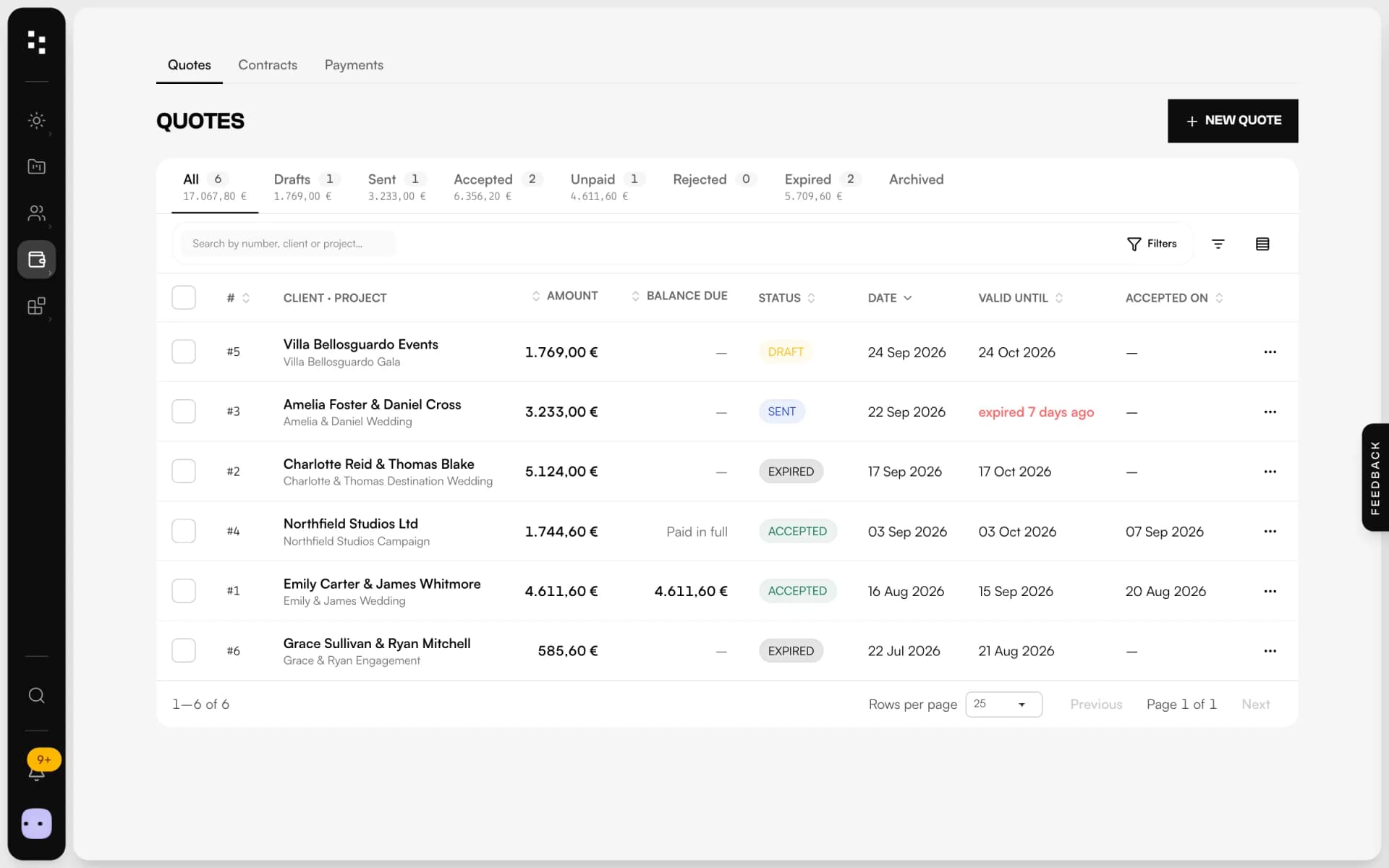
Add services from your price catalogue, set discount, tax and an expiry date. Send it by email or link: the client accepts it online and the project is marked as won.
Contractfrom the quote
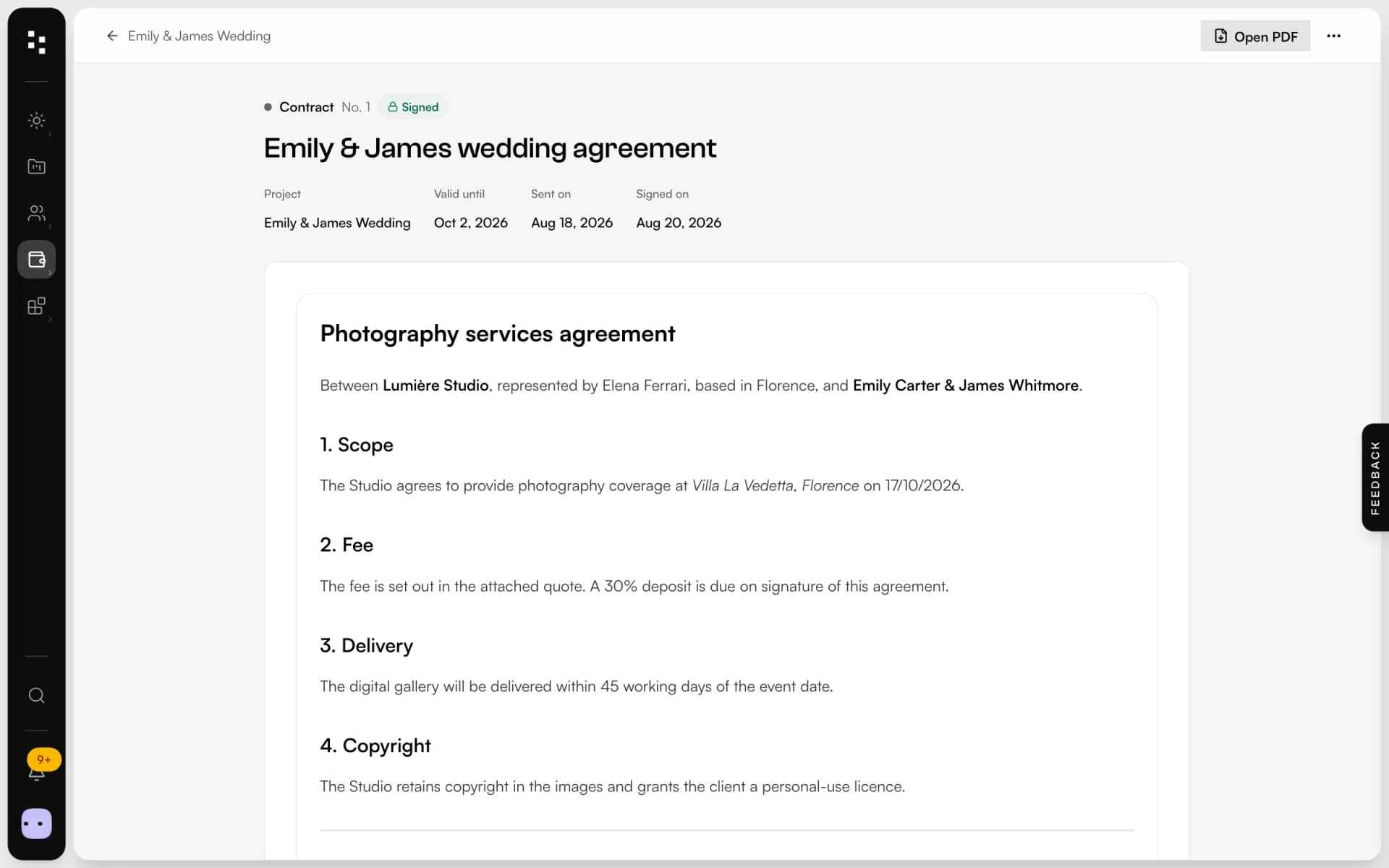
Pick your template: client, project and studio details fill in by themselves and the quote summary is attached. Add fields for the client to complete.
Signedon any screen
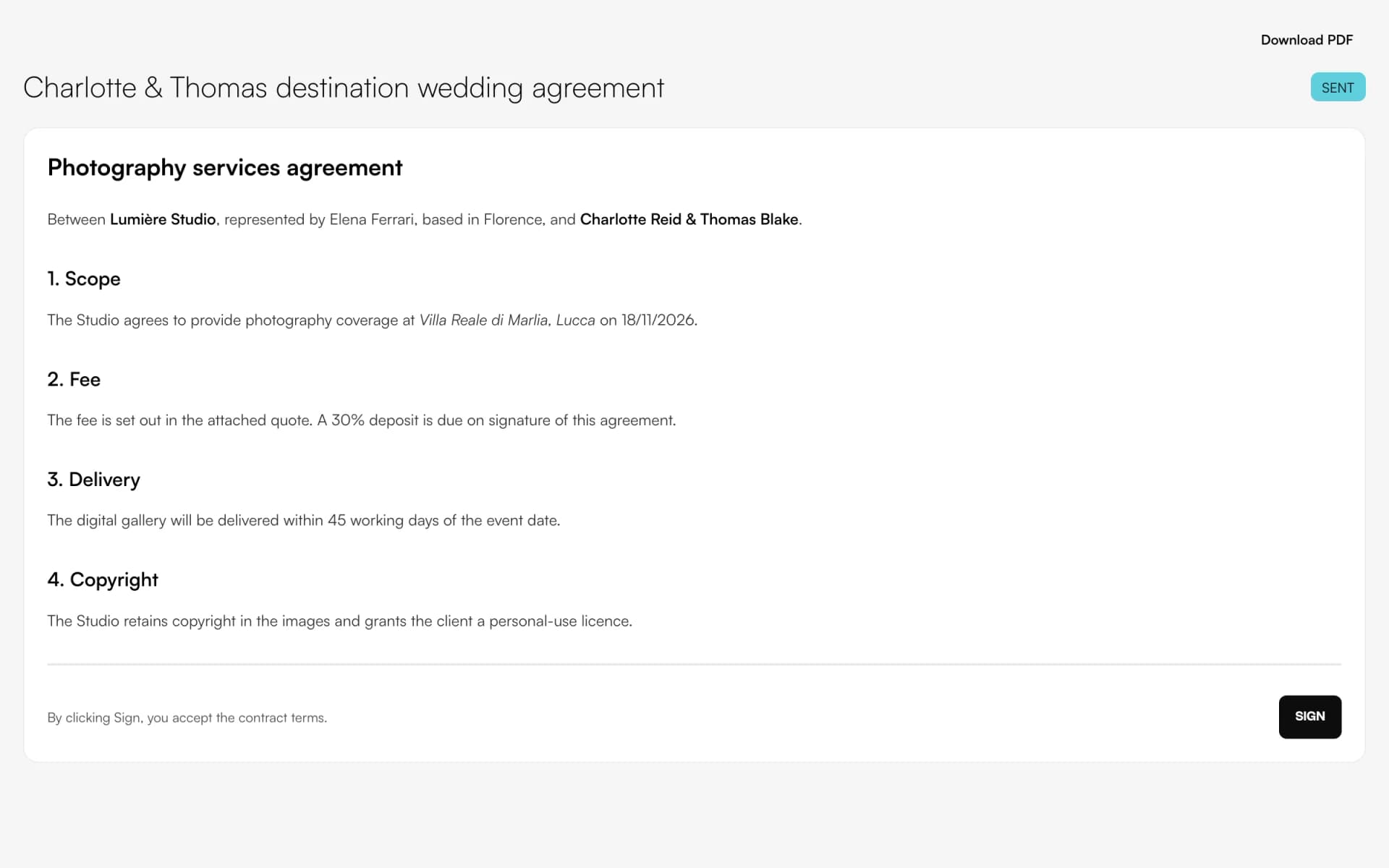
The client signs with a finger or a mouse. Mosaii.co records date, time and device, moves the project forward and tells you right away.
Paidby card
Invoice the deposit, 30% or any amount, and later the balance. Clients pay by card through Stripe; the invoice marks itself paid and you see what's still due.
Paperwork thatruns itself.
Price catalogue
Save your services once with description and price, and add them to any quote in a click.
Contract templates
Your templates with merge fields for client, project, studio and your own custom fields.
Fields the client fills in
Text, dates, checkboxes, yes/no choices and signature: required fields are checked before signing.
Deposit and balance
Split a quote into deposit and balance invoices, protected against invoicing the same amount twice.
What's still due
For every accepted quote, see how much has been paid and how much is left.
Overdue, flagged
Invoices past their due date are marked automatically, and both you and the client are notified.
Not another app.The next piece of your studio.
Money is where admin hurts most. In Mosaii.co every document knows the project it belongs to.
- 01Media libraryGather your work
- 02WebsiteGet found
- 03PortfolioShare your best work
- 04FormsReceive the inquiry
- 05BookingMeet the client
- 06Quotes & contractsSign and get paidYou are here
- 07MoodboardAgree on the look
- 08TimelineRun the day
How it connects
Less admin.More photography.
Without Mosaii.co
- Quotes in a spreadsheet, contracts in a word processor
- Printing, signing, scanning and emailing back
- Bank transfers to match by hand
- Forgetting which balance is still open
With Mosaii.co
- Quote, contract and invoices in one chain
- Signed online in a minute, on any phone
- Card payments marked paid automatically
- Every open balance in one list
Questions about Quotes, contracts & payments
How does the client sign the contract?
In their client portal or from the link you send: they fill in the required fields and draw their signature. Mosaii.co saves the signature with date, time, IP address and device.
How do clients pay?
By card, through Stripe. You connect your Stripe account once from Mosaii.co; payments go to you and the invoice is marked paid automatically.
Can I ask for a deposit?
Yes. From an accepted quote, create a deposit invoice, 30% by default or any percentage or amount, and later the balance.
Can I use my own contract?
Yes. Paste your text into a template and add merge fields for client and project details, plus fields the client completes.
Can I download PDFs?
Yes. Quotes, contracts and invoices can all be downloaded as PDF.
How much does it cost?
You can start for free. Plans and prices are on the pricing page.
Every piecefits the next.
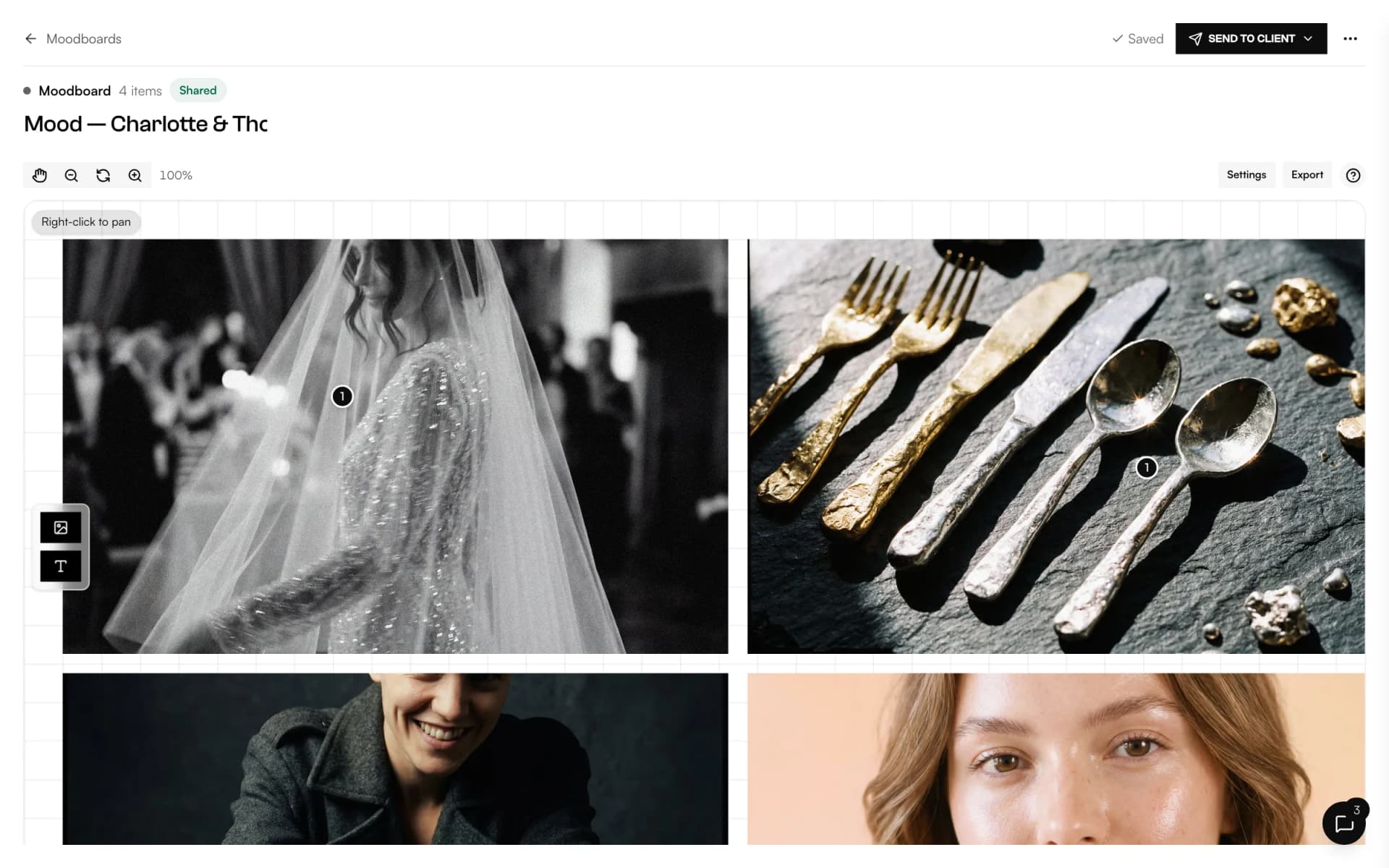
- MoodboardA shared canvas to agree on the look, with comments on every image.Discover
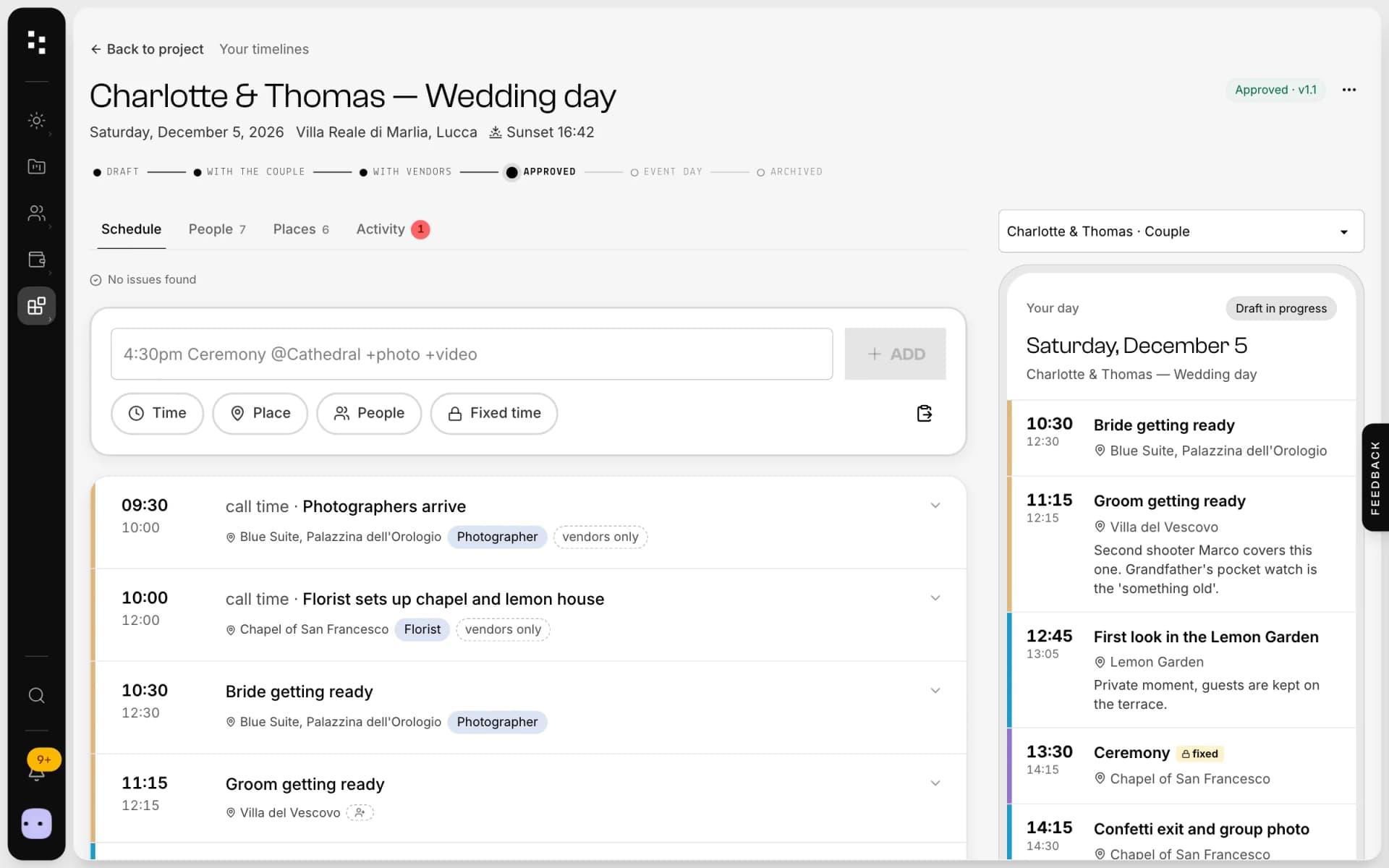
- Wedding timelineOne wedding-day schedule; the couple and every vendor read their part.Discover
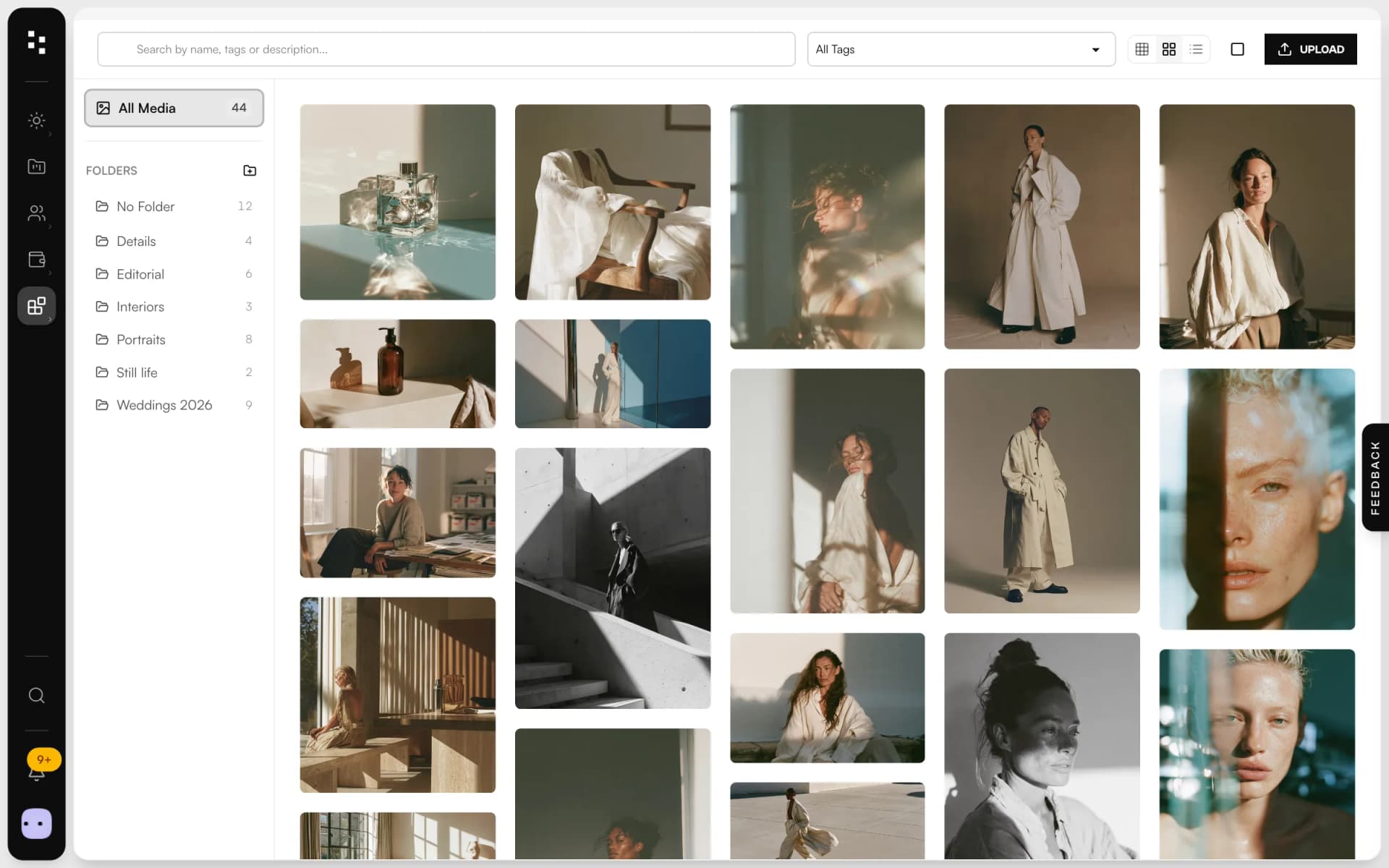
- Media libraryUpload in bulk, sort into folders and use every image across the Suite.Discover
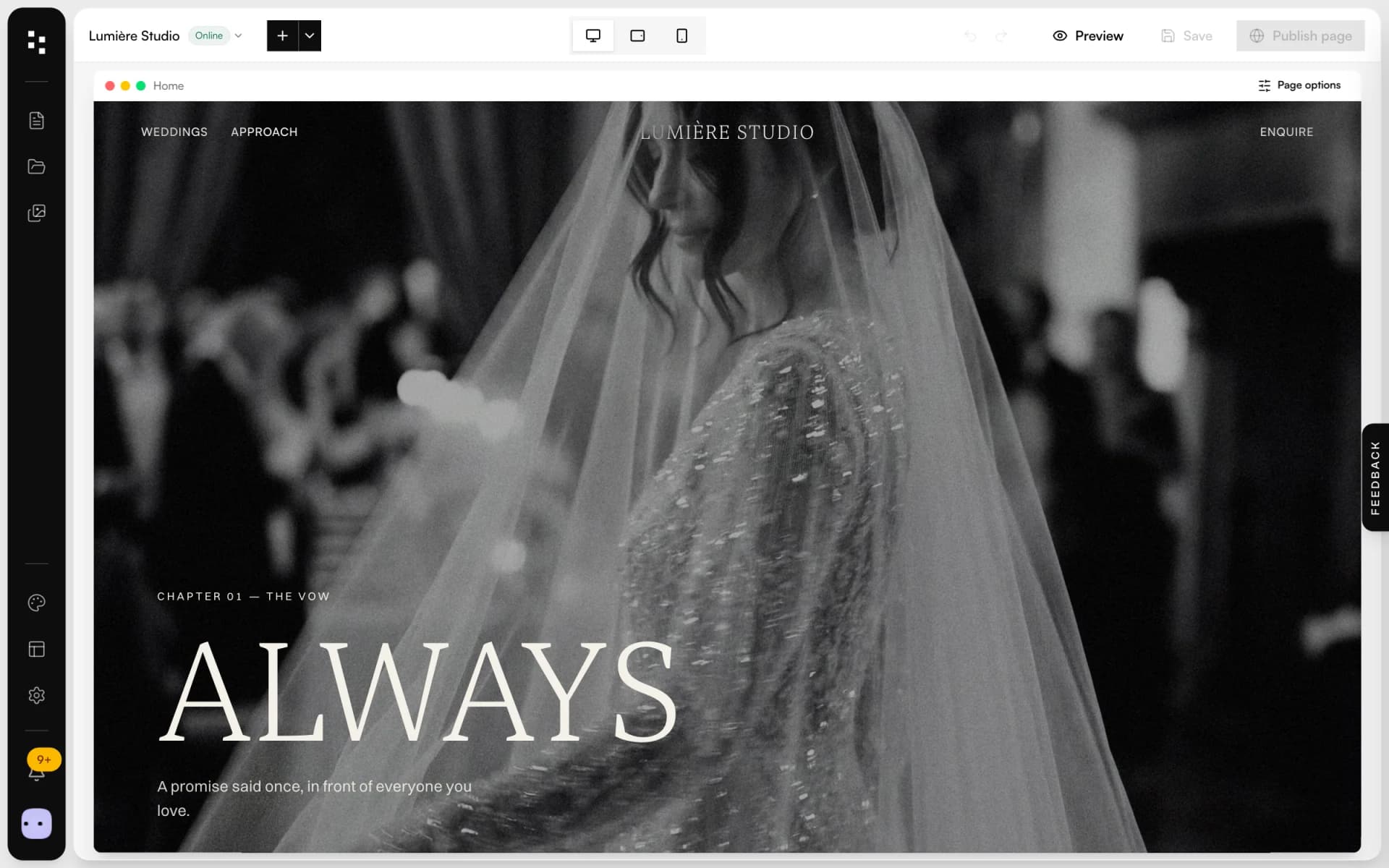
- Website builderA portfolio site that turns visits into inquiries.Discover
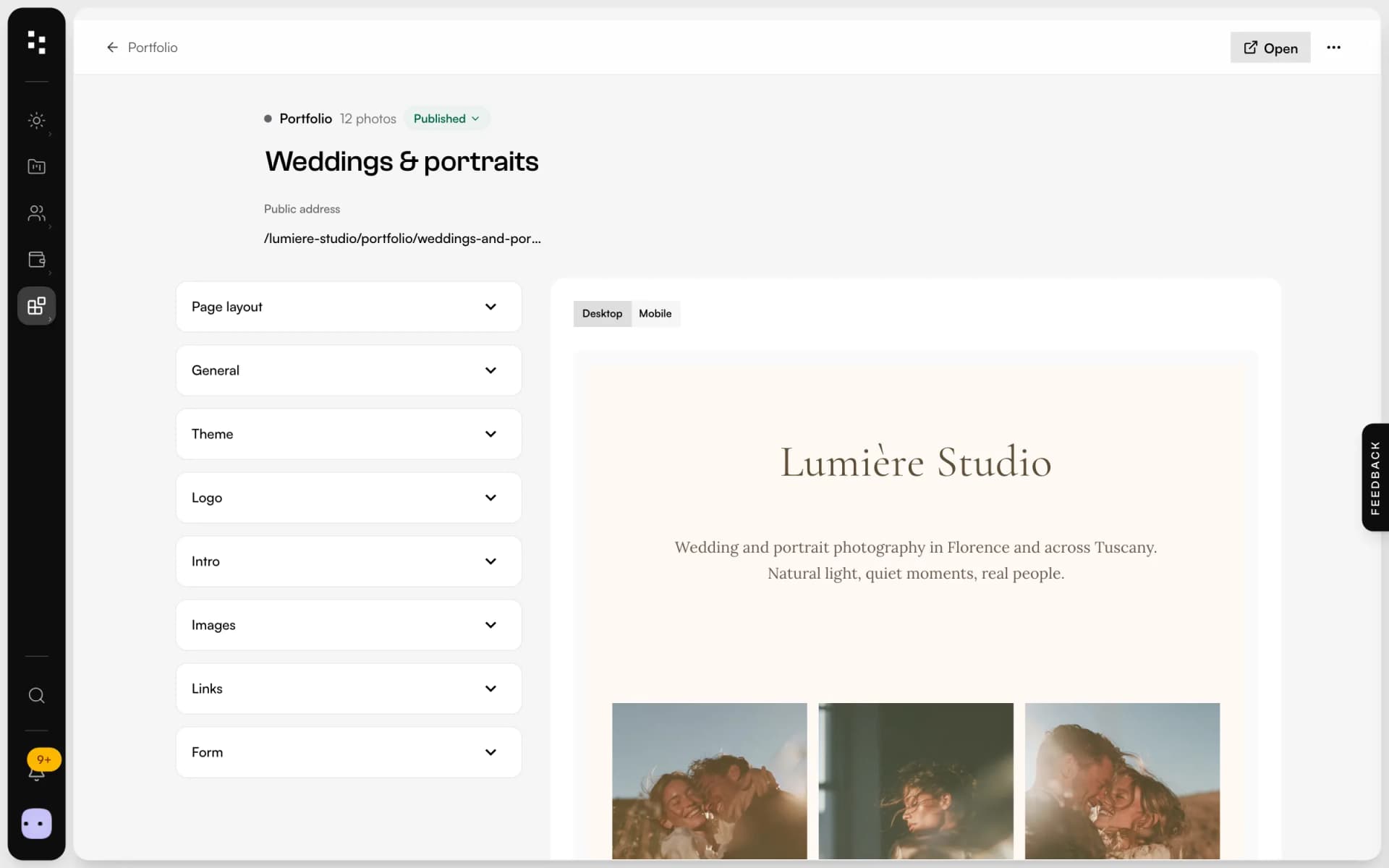
- PortfolioA page for your bio link: best photos, links and a contact form.Discover
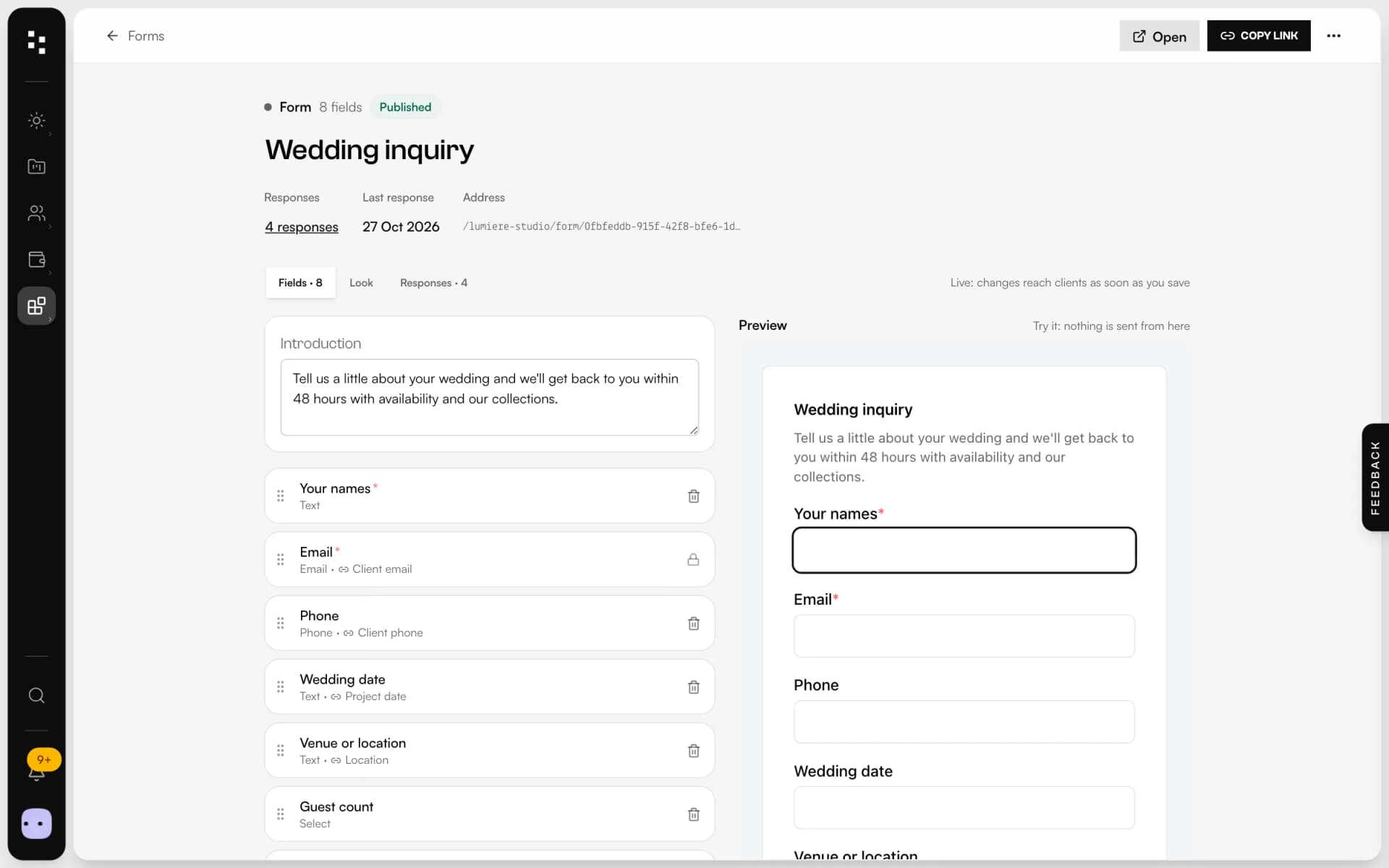
- Forms & questionnairesInquiries that become projects, answers that stay in them.Discover
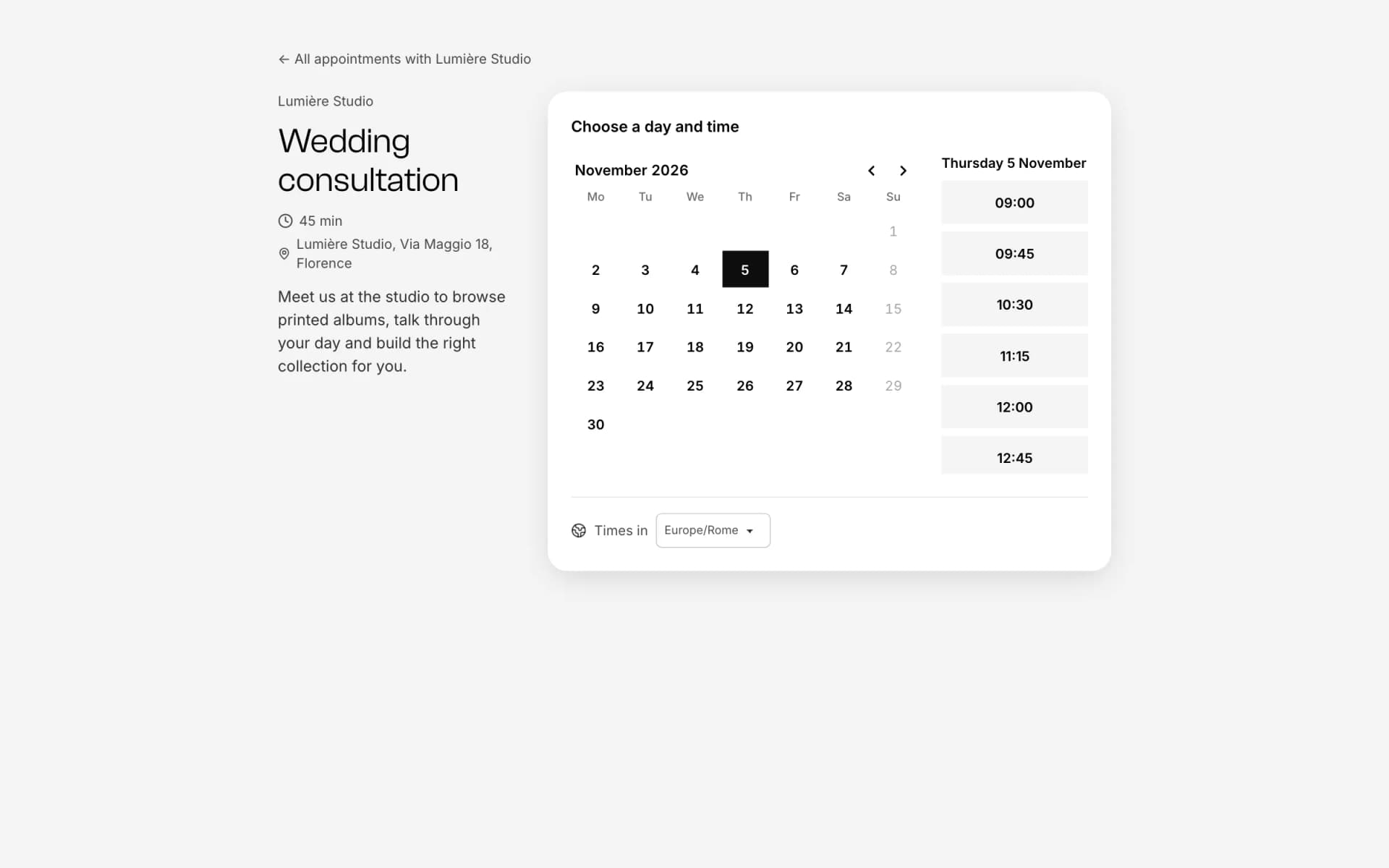
- Online bookingOne link, free slots, no back-and-forth emails.Discover
Your whole studio, in one place.
Start free with the whole Suite: site, clients, documents and the big day. Plans and prices are on the pricing page.